

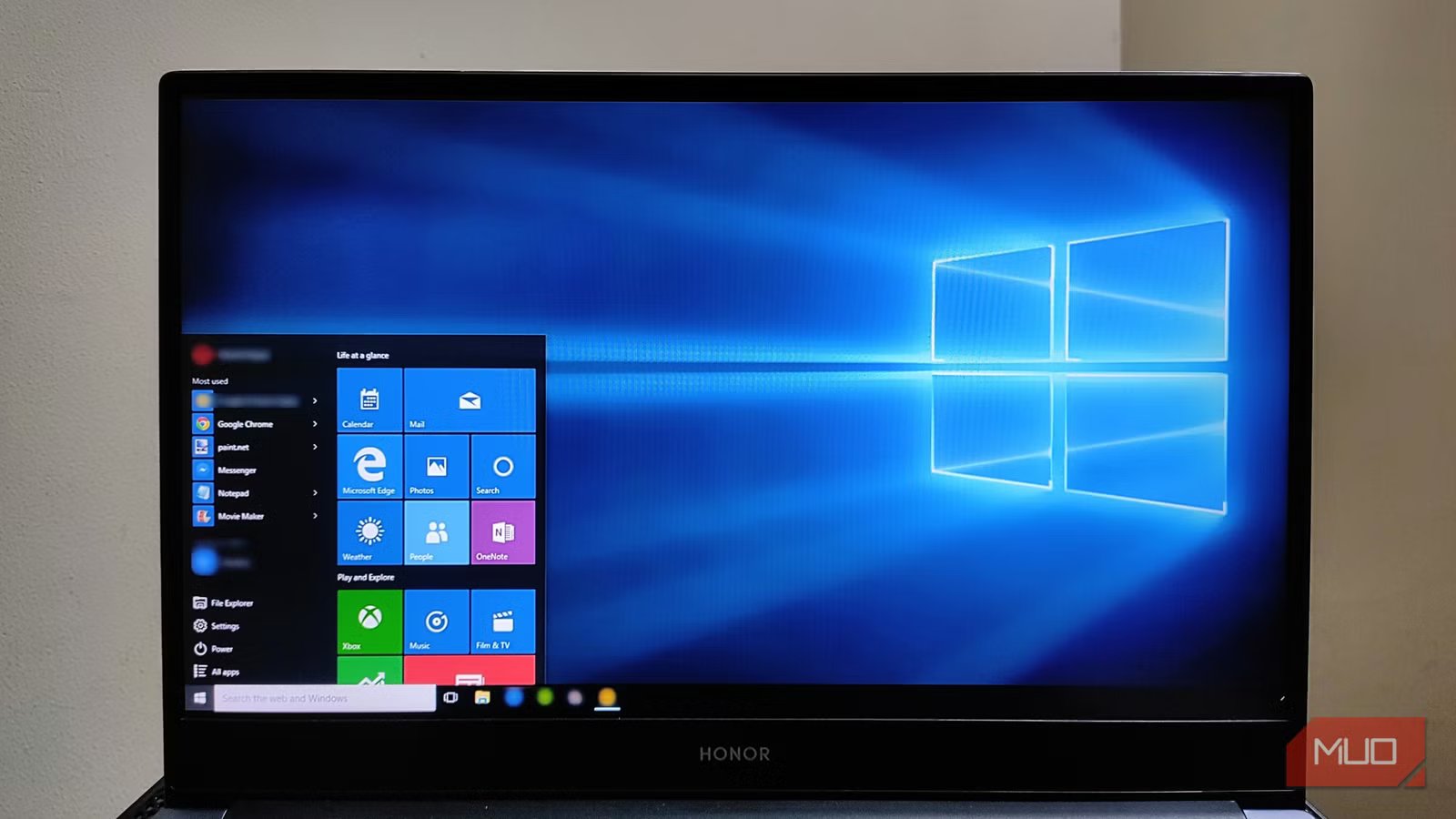
After the official retirement of Windows 10 in October 2025, many have moved on from it or are planning to. And why not? It’s got modern design with rounded corners, longer support, and improved overall features with a whole suite focused on productivity. As a successor to the over-decade-old Windows 10, it’s doing pretty well.
Yet here I am, along with many others who still want to stick to Windows 10 despite it no longer being supported by Microsoft. While everyone is excited about the AI-infused, productivity-boosting Windows 11, I’m sticking with Windows 10 because it has achieved something I care about most: it’s finished software.
Stability over shine
If it ain’t broke, don’t fix it
Yadullah Abidi / MakeUseOfCredit: Yadullah Abidi / MakeUseOf
Since support ended in 2025, Windows 10 has become more stable than most modern operating systems. StatCounter reported that as of December 2025, over 44% of Windows users were still on Windows 10. That’s almost as many as Windows 11, even though Windows 10 hasn’t had new features in a while. The main reason is the stability it gained from years of updates and bug fixes.
Windows 11 is still getting visual changes, new layouts, and more built-in AI features, but Windows 10 avoids all that. For people who use their computers for serious work, the operating system is just a tool. The drivers are reliable, and we already know how to manage data tracking.
Hardware liberation
Bypassing the e-waste crisis
Afam Onyimadu / MUO
Perhaps the most significant driver for staying on Windows 10 is the arbitrary hardware wall erected according to Microsoft’s TPM 2.0 requirements. It created a massive orphaning of perfectly functional silicon. High-end 7th-gen Intel chips and early Ryzen processors (1000 series and earlier), which were perfectly capable of handling everyday tasks, were essentially marked for landfill by Windows 11.
The PIRG (Public Interest Research Group) highlighted this in its Windows 10 E-Waste report, noting that millions of PCs are at risk of premature disposal due to Windows 11 hardware requirements.
Related
Windows 10 Might Be Old, but It’s Still the Best Version of Windows
Who needs Windows 11 anyway?
On older SSD-based systems, Windows 10 remains incredibly snappy because it lacks the heavy Virtualization-based Security (VBS) overhead that often hampers gaming performance on older CPUs. This proves that a PC’s true value is determined by its utility, not by its compatibility with a specific security chip.
The safety net
The official ESU from Microsoft itself
The most common argument for users to switch to Windows 11 is that Windows 10 is no longer supported by Microsoft, so there’s a significant security risk. Since Windows 10 will no longer have any updates, the system is more prone to botnet attacks. But that fear is for people who are unaware that you can still update Windows 10.
Microsoft acknowledged the demand from Windows 10 users and, for the first time, offered Extended Security Updates (ESU) on its end. There’s also the fact that you can micro-patch security updates with services like 0patch. This, in many cases, is way faster than the updates from Microsoft itself and lets you extend the life of your legacy hardware, which works completely fine.
Is it time to let go?
Time to log out of Windows 10 for good?
Screenshot by Tashreef Shareef — No attribution required
Some might argue that they are moving to Windows 11 to experience the AI. And they are not all wrong. In fact, on my other, relatively new Windows 11-based laptop, I regularly use Microsoft Copilot. It’s more useful than you might think. And even if you somehow manage to run Copilot on a Windows 10 PC, it still lacks AI-ready kernels, so you might not be able to take full advantage of it. It also lacks support for DirectX 12 Ultimate’s most advanced features, such as Work Graphs or Advanced Ray Reconstruction.
However, these features don’t make any difference for the majority of users. For those who mostly conduct office work, manage creative workflow, or play mid-range titles, these features are just spec-sheet fluff. The loss of a familiar, efficient workflow is a much higher price to pay than the absence of a taskbar AI assistant that most users disable anyway.
As we move forward with the new iteration of Windows, Windows 10 has cemented its legacy as the new placeholder for Windows 7. It is everything one could ask for; it’s reliable, predictable, and efficient. It has proven itself again and again that an OS can be better without being an aggressive tool for monetization and experimental AI. By utilizing ESU programs and micro-patching services, we’ve effectively given Windows 10 the longer lifespan it deserves.
Windows 10 is a legacy worth keeping
Every time I boot into Windows 10, I’m reminded of the idea that if an OS is built well as a tool and given care by the community, it never has to be replaced — it only needs to be maintained. The choice to stay is a valid one.
