

In the world of high-availability data storage, RAID, or Redundant Array of Independent Disks, has almost mythical status. It’s the go-to for everything from enterprise data centers to home labs housing media libraries. But it’s also wildly misunderstood, and that could cost you a huge amount of data and a lot of heartache.
It’s a common misconception that data on a RAID array doesn’t need to be backed up. That’s not the case. And while it’s true that RAID arrays can offer redundancy should one of your hard drives fail, you still need a robust backup system in place. It’s the only way to make sure that your most important files are safe and sound should the worst happen, and that’s a lesson that’s worth learning right now — before it’s too late.
Related
Don’t use SSDs for long-term storage; do this instead
They’re a terrible place to stash files you won’t touch for months.
RAID can save the day in the right circumstances
But it isn’t the safety net you think it is
Image Credit: slawomir.gawryluk/ShutterstockCredit: slawomir.gawryluk/Shutterstock
To understand why RAID isn’t a viable backup solution, it’s important to understand what it actually is. As the acronym suggests, RAID takes a number of hard disks and merges them together into a single, larger pool of storage. Depending on which type of RAID array you use, that pool’s size will be the sum of the drives’ capacities. Other times, it’ll hold some of that storage back for other uses.
If you choose a RAID 1, 5, 6, or 10 array, the system uses mirroring or parity to ensure that even if one of your drives fails, your data is safe — even if it was physically located on the drive that gave up the ghost.
With any of these RAID arrays, the built-in fault tolerance allows the system to continue working as if nothing had happened. You can replace the failed drive at your convenience, and the array will rebuild itself once the new drive is installed.
This approach is called “high availability,” and it’s a vital component of any system that is mission-critical. That is, a system that must continue to work at all costs.
But it isn’t a backup.
When RAID’s limitations can lose your data
Don’t get caught out
While RAID does protect your data from a single, and sometimes multiple, hard drive failures, it still has its limitations. There are countless ways you could lose all of your important files. And if those files happen to be your photo library full of pictures of your kids growing up, that’s a hard lesson to learn.
The thing is, while RAID protects you from data loss if a hard drive fails, it can’t do anything about the other components in your computer. All RAID arrays need a RAID controller, and whether it’s hardware or software, it can always fail. That has the potential to break the entire array, leaving the data it contains irretrievable.
RAID also doesn’t protect you from a common computing mistake — accidental file deletion. RAID 1 arrays mirror your data identically across all of its hard drives for redundancy. Everything happens within an instant, and any file you delete will immediately be removed from the mirrored hard drive as well. The file will be gone for good. The same applies to file corruption, too.
A similar issue can arise if malware or ransomware finds its way onto the RAID array. Either could encrypt your RAID array, leaving you with no way to roll back to a state prior to the infection.
Finally, no RAID array in the world will help you if it’s caught in a fire or a flood. And the same applies to theft, too.
Thankfully, there is a way to mitigate all of these issues. And, as you have no doubt guessed, it’s a robust backup strategy.
The 3-2-1 backup strategy
Three is two, two is one, and one is none
Credit: Alvin Wanjala / MakeUseOf
There are plenty of different ways that you can back up your data. There are some great online backup services out there, and keeping your data in the cloud protects against fires, floods, and theft.
People have been backing up their most important files to an external hard drive or SSD for years, and that’s a reasonable approach. You’ll get extra geek points if you then keep that drive somewhere else, far from your RAID array. A friend’s house, for example.
Both of those options are viable, and they’re a huge upgrade over having no backup solution to speak of. But they’re better when used together. Enter the 3-2-1 backup strategy.
The idea is simple. You should keep all of your important files in three places: the original location and two backups. Those two backups should also be saved on two different media, like an external SSD and a cloud service. Finally, at least one of those backups should be kept off-site. That could be a cloud backup service or simply taking an SSD to a friend’s house. But it needs to be somewhere that won’t be affected by anything that could befall the other backup. Again, think fire, flood, or theft here.
Ultimately, if you only have a single backup, and it’s lost to the same fire as the original data, you never really had a backup at all.
If you follow the 3-2-1 strategy, it’s highly unlikely that you will permanently lose any important data.
Related
6 Simple Ways to Back Up Your Data Safely
Avoid risking lost files by learning how to back them up securely.
Better safe than sorry
Act now, before it’s too late
Credit: BongkarnGraphic / PaleStudio / Shutterstock
The thing about backups is that the first time many people think about them is when it’s too late. The data is already gone. But RAID arrays can lure you into a false sense of security, and that can be even worse. To think that your files are safe, only to find that they never really were, isn’t something anyone should have to go through.
Now, you don’t have to. Remember, RAID redundancy isn’t the same as a proper backup solution. And follow the 3-2-1 strategy to ensure those family photos are there when you want them.
8/10
Brand
Ugreen
CPU
Intel Pentium Gold 8505 (5 core)
Memory
8GB DDR-5 (upgradeable to 64GB)
Drive Bays
4 x 3.5 or 2.5-inch
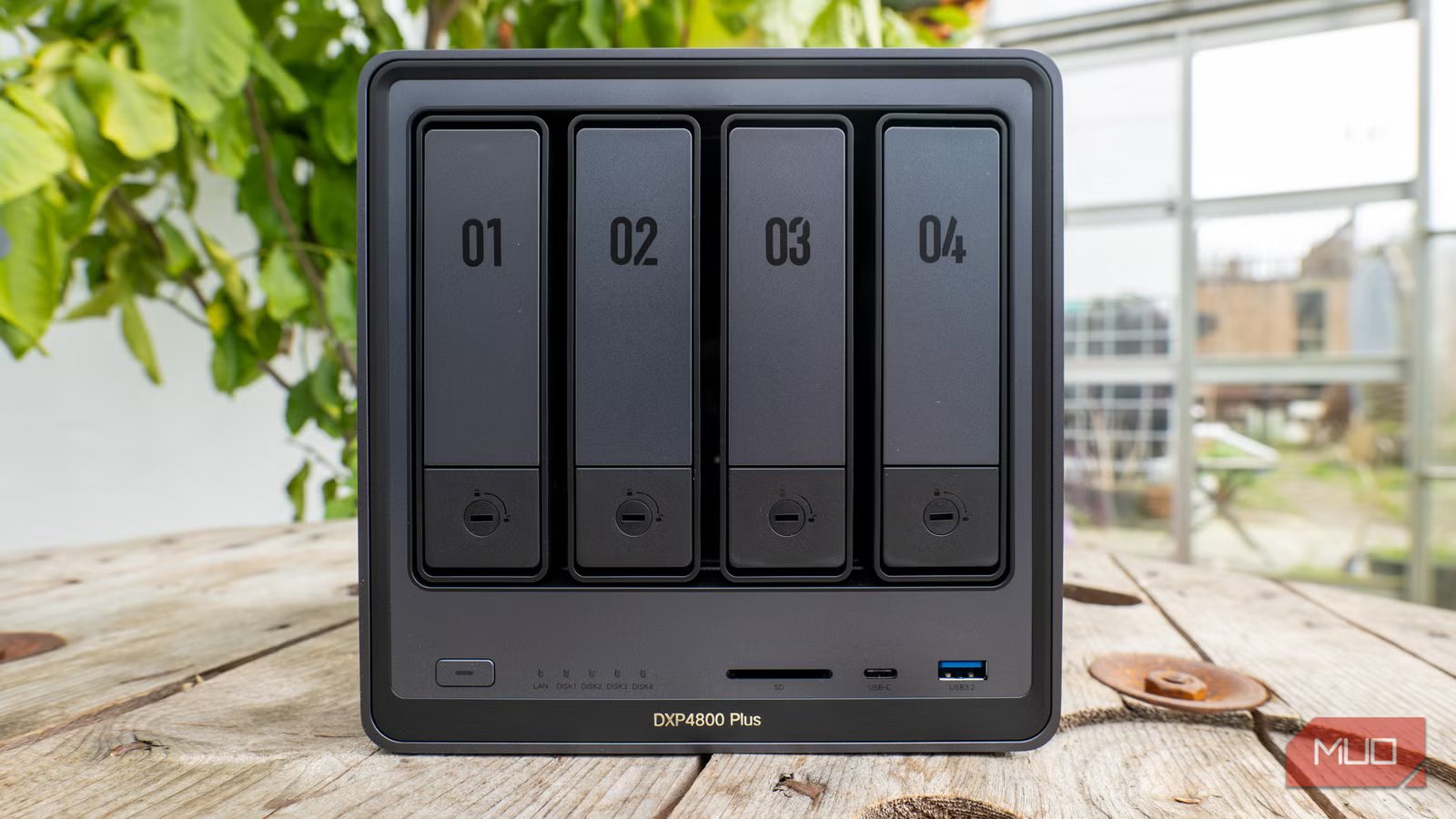
Network Attached Storage systems like the DXP4800 often support various types of RAID as well as their own bespoke data pooling tech. But you’ll still need a proper backup solution to keep your data safe.
