

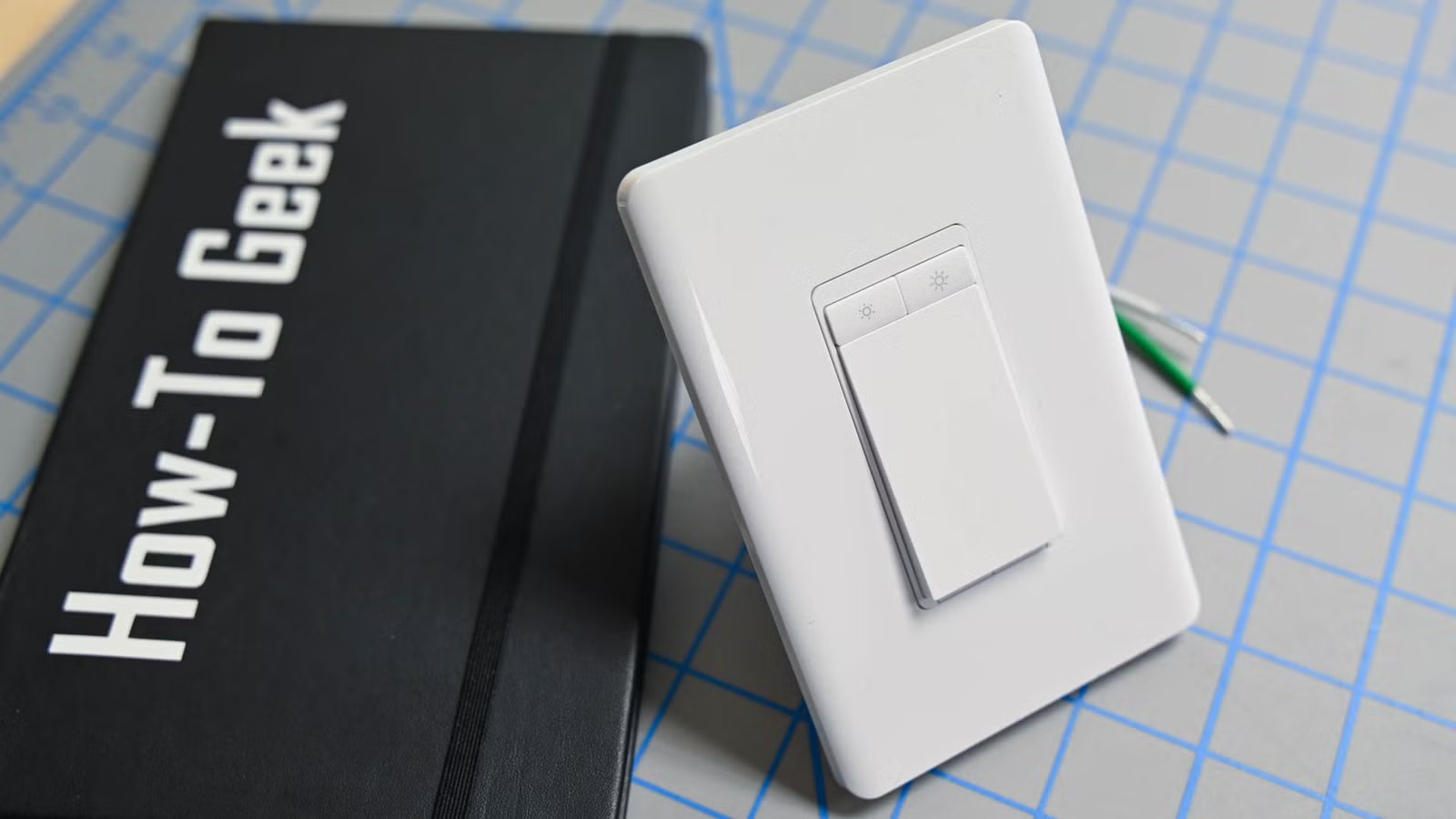
Smart switches are very useful in the smart home. They give you the best of both worlds: you can automate your lights, but you can also control them manually when you need to. Smart switches aren’t always the best option for every room, however.
Why smart switches aren’t always the smartest choice
Flipping switches isn’t that smart
Credit: Bertel King / How-To Geek
The dream for my smart home is as much automation as possible. I’d like everything to happen in my home automatically, responding to the people in my home as we go about our daily lives. For example, when I walk into my home office, the lights turn on, and my computer wakes up.
While smart switches allow you to control your lights remotely or via automation, they can also be controlled manually by pressing the switch, just like an old-fashioned dumb light switch. There are plenty of rooms in your home where manually controlling the light is something you’ll want to do very rarely, if at all. If you install smart switches in these locations, you’re paying a premium for a feature you’re hardly ever going to use.
For example, I have two light bulbs in my hallway. The only time I want these bulbs to be on is when I’m walking through the hallway, and it’s dark enough to warrant the lights being on. I can’t think of any occasions where I would want the light to be on when no one is in the hallway, or for the light to be off during the hours of darkness when someone is in the hallway.
In this case, a smart switch is complete overkill. A cheap motion sensor and smart bulb are all I need to make the lights turn on when I enter the hallway.
Related
7 smart home upgrades you need in the bedroom
Sleep better, wake up gently.
Picking the right sensor for the job
PIR, mmWave, or both
In the case of my hallway, a cheap PIR motion sensor is all that’s needed. When I enter the hallway, the motion sensor detects motion and turns on the light. When motion has stopped being detected for a minute, the light turns off.
Since I only ever walk through my hallway and never stop there or stand still, the automation works perfectly. The light comes on when I enter the hallway and turns off again shortly after I leave it. This isn’t the case for every room, however.
In my home office, for example, I will spend a long time sitting in front of my computer. If I used the same automation with a motion sensor in my office, I would regularly be plunged into darkness. Every time I sat still for more than a minute, the automation would turn off the lights, since no motion would have been detected during that time.
That’s where a presence sensor can help. An mmWave sensor can detect very small movements, such as the rise and fall of someone’s chest as they’re breathing, even when they’re sitting still. These sensors can do a good job of determining when you’re in a room and when you’re not, so you’re far less likely to suddenly find yourself sitting in the dark.
The ultimate option is a device with both a PIR sensor and an mmWave sensor, such as the Everything Presence One. PIR sensors can be faster to detect motion, meaning your lights turn on more quickly. The mmWave sensor then takes over, keeping track of your presence, and only turning the lights off when your presence clears
The rooms where a sensor can replace a smart switch
When you want your lights to work without thinking
Credit: Ismar Hrnjicevic / How-To Geek
There are several rooms where using motion or presence sensors makes much more sense than installing a smart switch. In these locations, you’re unlikely to want to control your lights manually; automation is the better option.
Hallways have already been mentioned, and the same applies to stairs, too. You are unlikely to need the lights above your stairs to be on when you’re not using the stairs or off when you are. This makes them the perfect location for a motion-sensor-based lighting automation.
I use a presence sensor in my home office, and I don’t even think about it anymore. The lights are on when I need them to be and off when I don’t, and there’s no manual input required. I haven’t touched the physical light switch in months, and if I ever want to turn the lights on or off manually, I can just ask my smart speaker.
Bathrooms are also good candidates for presence sensors rather than smart switches. Motion sensors aren’t an ideal choice; my in-laws have motion-activated lights in their bathroom, and I often find myself plunged into darkness in the middle of some important business.
Where smart switches still make sense
Manual control can still be useful
Credit: Bryan M. Wolfe / How-To Geek
That’s not to say that smart switches are useless; far from it. They solve one of the biggest problems with smart lighting by allowing you to control your lights remotely, even when the switch is off. This isn’t possible with a standard light switch and a smart bulb, since the bulb needs power to communicate.
In some rooms, a smart switch can be the best choice. For example, in a living room, you may have multiple lights or several lighting scenes. A motion sensor can tell when you enter the room, but it can’t tell what mood you’re in, so being able to set the lights how you want them using smart switches is far more practical.
The same is true of your bedroom. A presence sensor that turns the lights on when someone enters the room is great, but you probably don’t want that light to stay on all night. A smart switch lets you choose when to turn the light off, either remotely or by physically pushing the button.
Smart switches have their place, but you don’t need them everywhere
Smart switches are incredibly useful smart home devices, and in the right locations, they can be the perfect device for the job. You don’t need to go crazy and stick them in every room; there are plenty of locations where other, more affordable options can be a better choice.
