

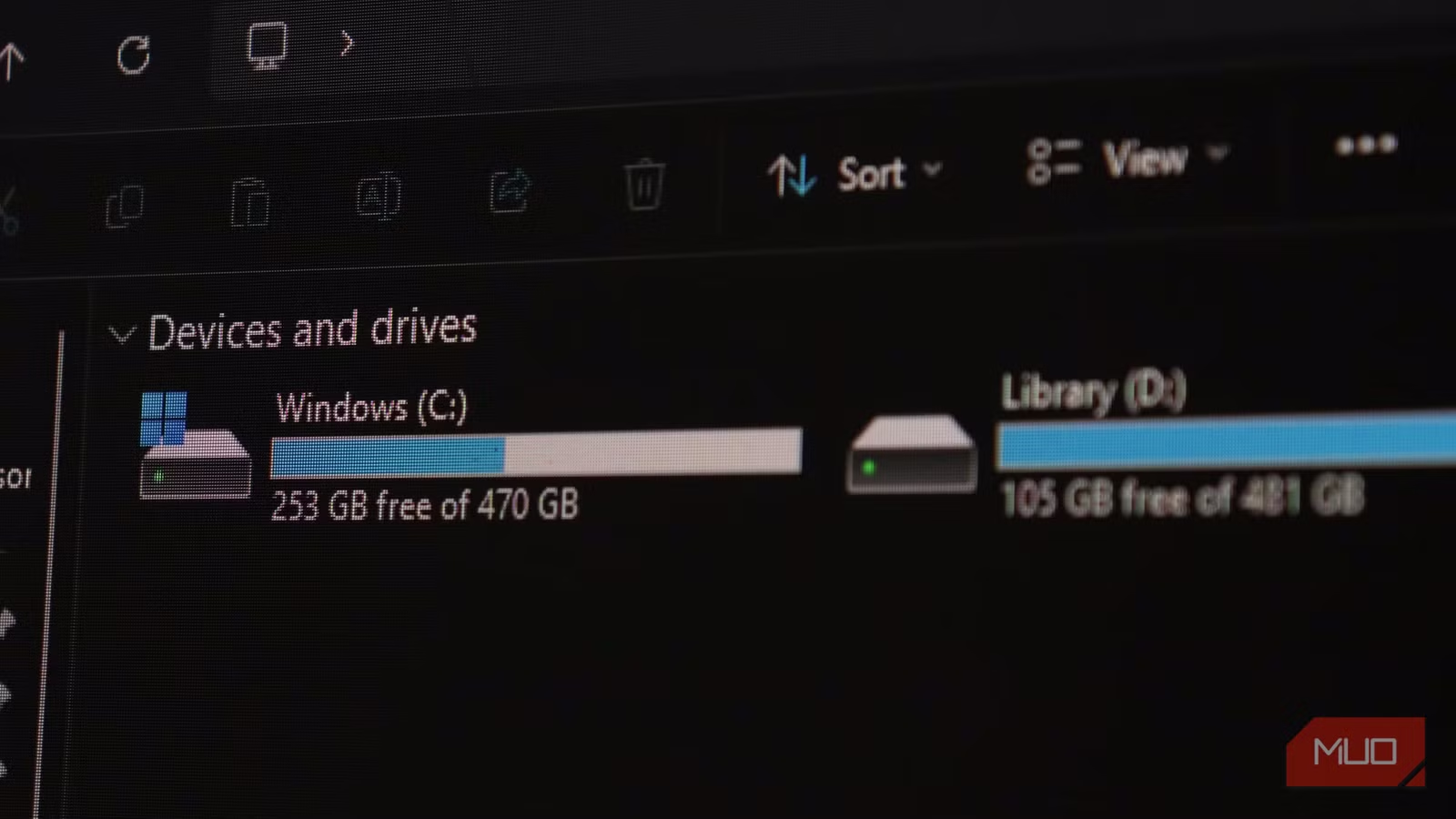
Seeing storage warnings is a ritual that plays out for all of us, regardless of whether it’s our phones, computers, external storage drives, or cloud storage. But every single time the dreaded storage almost full message pops up, we do the easy thing. Buying a bigger storage drive, subscribing to more cloud storage, or plugging in yet another hard drive is easy; managing the existing data you’re hoarding isn’t.
But you won’t need a bigger SSD if you treat your storage right. Getting more storage just delays the inevitable. Six months down the line, you’ll see storage warnings again, and the cycle starts over. The real upgrade is never hardware; it’s fixing your data hoarding habits.
Related
It’s 2025 and I still back up files manually
Cloud storage is convenient, but manual backups still win for reliability, control, and peace of mind.
We act like storage never runs out
Why infinite space is a dangerous assumption
The way most people (myself included) treat digital storage isn’t quite right. Files pile up the same way junk accumulates in a garage—slowly, invisibly, and with the assumption that there’s always more room. Before you know it, your downloads folder is a graveyard of installers from 2019, with several versions of the same app.
Your desktop becomes a landfill of screenshots, shortcuts, and documents. Your cloud storage? Full of automated systems and app backups, and multiple versions of the same photos, you don’t even remember taking. Sometimes, phone storage continues to fill up even after you keep deleting files, and you have app caches to blame for that.
This isn’t entirely your fault. Storage got really cheap, really quickly. When a terabyte drive costs less than a dinner out, the mental calculation changes. Deleting files feels unnecessary when you’ve got another 500 GB to spare, especially when it comes to old photos. But while that storage might feel like a lot, when you take into account the size of modern files and photos, that 500 GB is going to disappear faster than you’d think.
Keeping everything has a hidden cost
Clutter, slowdown, and the mental overhead
Tashreef Shareef / MakeUseOfCredit: Tashreef Shareef / MakeUseOf
People rarely think about what storing data actually costs. No, you’re not paying for it in money, but in friction. A bloated system is a slow system. Backup times take forever when you’re syncing a dozen copies of a file or folder you haven’t opened in ages. Search results get noisier as data accumulates, and you start missing files not because they were deleted but because they’re buried under everything else. The cognitive overhead of a cluttered digital space is real, even if it’s invisible.
There’s also a cybersecurity concern most of us overlook. Old files are an old attack surface. Documents with passwords written in them, scanned IDs you saved temporarily, tax forms from half a decade ago—they all sit on your drives, quietly waiting to be exploited. Keeping data you don’t necessarily need is more than just a storage hassle; it can very well be a major risk.
No one wants to delete anything
The psychology behind digital hoarding
Credit: Digvijay Kumar / MakeUseOf
Deletion feels permanent in a way that feels wrong. There’s also a psychological effect at play: the pain of losing something you might need someday always outweighs the vague benefit of a more organized drive. So files end up sitting on your drive, not because you need them, but because you thought you might need them later, and never end up checking again to see if they should be removed.
This is especially true for media files, and I get it. People are terrified of deleting old photos, and I take full blame for mine. But having thousands of near-identical photos you’ll never revisit, sitting in folders that haven’t been opened in years, isn’t going to do you any good. Over time, the photo gallery just becomes way too big, and no one has the time to go through thousands of photos from a decade or so ago just to recover some storage. The fear isn’t about specific images either; it’s about the idea of losing something irreplaceable.
That said, keeping 20 blurry variations of the same sunset isn’t preservation—it’s hoarding dressed up as nostalgia.
You need a deletion habit
Small routines that keep your system clean
Credit: Shimul Sood / MakeUseOf
Despite what you might think, the fix isn’t a dramatic purge of every file on your computer or phone. A periodic, intentional review of what’s actually on your device is a far safer way of getting rid of what you need and keeping files, especially media, that matter. Think of it like going through your closet every season. You’re not tossing everything—just deciding what still belongs.
A few times each year, set aside a weekend to go through your phone, NAS, computer, external SSDs, and whatever other file storage solutions you have. Ask yourself if you really need to keep that specific file, and if the answer isn’t a clear yes, it goes. You don’t need a complex file system or a fancy new app, just the willingness to hit Delete.
For files that genuinely matter, this process acts as an organizational pass. You’ll end up with a leaner, more intentional archive with data you actually care about, organized in a way you can navigate. I’ll take that over buying a bigger drive or getting a bigger cloud storage subscription any day.
The best upgrade is free
Why deleting beats buying more storage
The most effective storage upgrade you can get for yourself is entirely free. It doesn’t need a trip to Amazon, a new subscription, or a weekend spent migrating drives. It requires sitting down with your data, being ruthless, and realizing that not everything you’ve saved needs to be saved. Sure, replacing your cloud storage with a NAS takes an afternoon, but it’s not the solution.
Related
6 Simple Ways to Back Up Your Data Safely
Avoid risking lost files by learning how to back them up securely.
Yes, that’s harder than buying something. But it actually solves your storage problem instead of delaying it. The best organized computers aren’t the one with the most storage space. They’re the ones where the user has made a habit out of letting old data go. You already have everything you need to start. You just have to stop avoiding it.
