

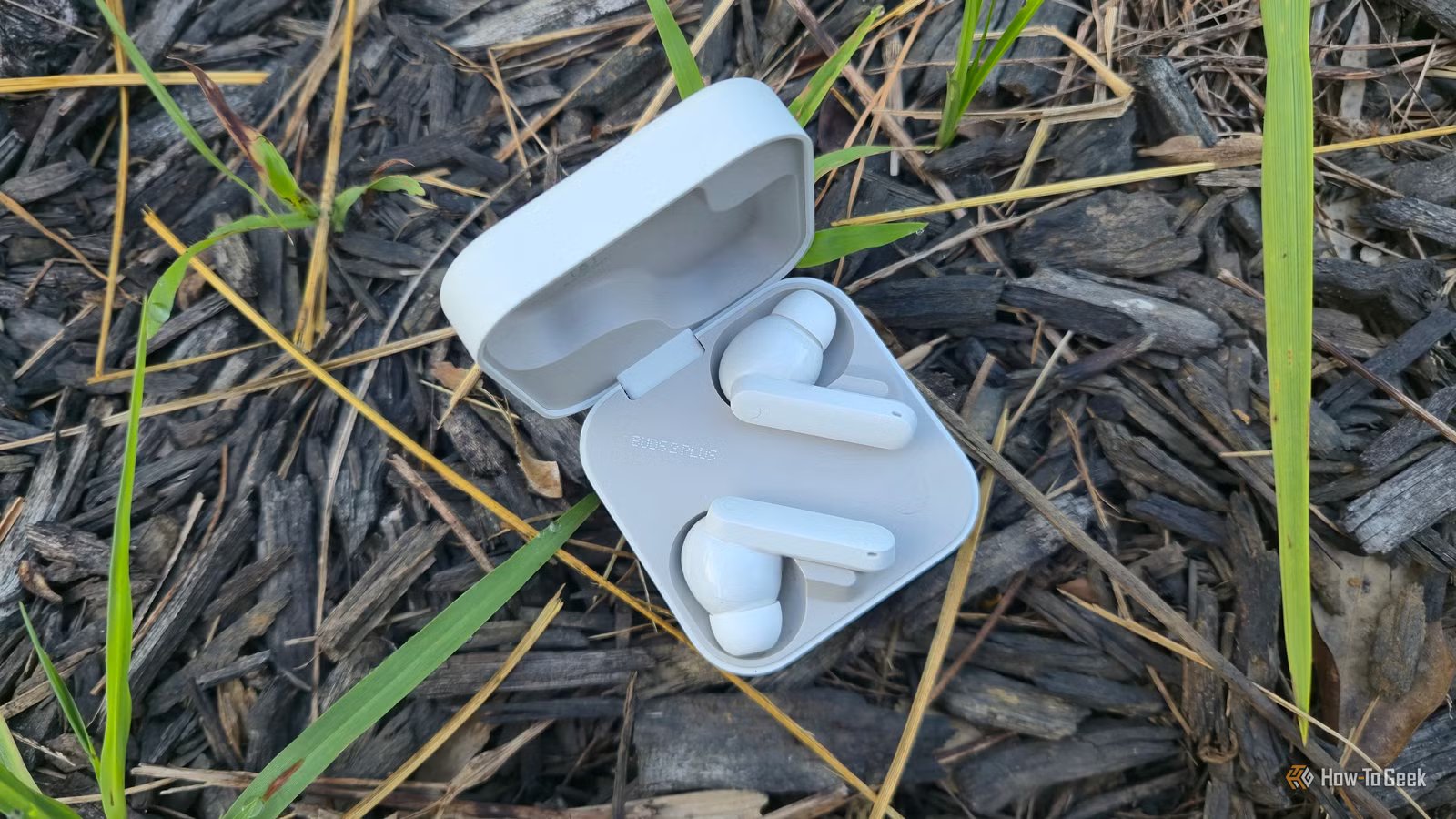
If you’re not happy with the sound quality your Bluetooth headphones or earbuds are giving you, there’s a good chance the problem isn’t the hardware. Even the cheapest earbuds these days are tuned to sound decent out of the box, but how they actually perform depends heavily on your setup.
If you’re noticing that the bass feels undefined or that vocals get buried under harsh, compressed guitar tones, there’s a good chance you can fix it by tweaking how the audio is processed. The best part? You don’t need to spend a dime to improve the sound of your wireless headphones.
A few simple EQ tweaks fixed the muddy bass and harsh highs
Small adjustments in the EQ make a noticeable impact
One of the simplest yet most effective ways to change how any audio device sounds is by adjusting the equalizer. Most music players have decent built-in equalizers, but if you want to take it a step further, you should use a proper system-wide equalizer.
I use Wavelet, which lets you import AutoEq profiles that are fine-tuned for your specific headphones. I’ve already used AutoEq on my computer to tweak my wired Sennheiser headphones and loved it, so this was a no-brainer. If you want a more configurable equalizer, Poweramp Equalizer is another excellent choice.
Ultimately, though, it doesn’t matter which equalizer app you use to tweak your sound; it’s what you do with it. If your cheap earbuds overemphasize the bass, which many of them do, you can roll off the low-end frequencies slightly until you like the results. If you want to keep a strong low-end thump but just want to get rid of the muddiness, you can boost the
On the opposite side of the spectrum, if you’re fighting tinny highs and ear-piercing cymbals, you need to lower the 4 kHz–8 kHz range, just slightly, until your ears stop hurting. If you overdo it, you’ll lose all the detail.
That’s just a few examples of what you can do with an equalizer. The point is, even a couple of minor tweaks that boost or reduce some frequencies by 1–2 dB here and there will result in a more balanced sound.
Noise Cancellation
Yes
IP Rating
IP55
Want cheap Bluetooth earbuds that don’t suck? Get the JLab GO Pods ANC.
Disabling Absolute Volume made volume control more consistent and precise
A cleaner signal and more predictable volume control with one setting
Credit: Lucas Gouveia/How-To Geek | KinoMasterskaya/Shutterstock
Absolute Bluetooth Volume is a feature that syncs your phone’s volume slider with the internal amp in your Bluetooth headphones. It’s a convenient feature in theory, but in practice, it can hurt the sound quality you’re getting from your headphones, and it can result in clipping when you’re near max volume. On top of that, when you want to adjust the volume slightly, the changes often feel too large, with no real in-between.
To fix these volume issues, you need to disable Absolute Bluetooth Volume in Developer settings. On some Android phones, like my OnePlus 15, this option has been renamed to Device volume sync, and you can find it by tapping your Bluetooth earbuds in the main Bluetooth menu.
Forcing a better Bluetooth codec made music sound less compressed
The codec is the most important part of your wireless audio chain
Credit: Lucas Gouveia / How-To Geek | Przemek Klos / Shutterstock
A Bluetooth codec acts as a translation and compression system for audio. Bluetooth is fairly low-bandwidth, so the codec only has a limited amount of data it can encode, send wirelessly, and then have decoded by the headphones. Given how important a role it plays, it’s no surprise that it has a massive impact on audio quality and latency.
The most basic and universal codec is SBC, which practically every Bluetooth audio device supports.
AAC is more efficient and generally sounds better, but Qualcomm’s aptX codecs (of which there are several) can provide even higher-quality audio. Still, the highest-quality mainstream Bluetooth codec is LDAC, which can transmit at up to 990kbps.
Standard SBC operates at much lower bitrates, though it can reach up to 328kbps. If you only listen to standard MP3 files encoded at 320kbps, you probably won’t hear a huge difference between SBC and other audio codecs, though aptX is still the better choice for avoiding the most noticeable compression artifacts.
However, if you have lossless music files, want the absolute best audio quality, don’t care about latency, and, most importantly, your headphones support it, LDAC is king.
To change the codec manually, connect your headphones, then head over to Developer Options, find Bluetooth Audio Codec, and select your preferred codec. Note that if your codec switches back automatically, or if you experience audio artifcats and cutouts, the headphones or your phone likely don’t support the codec you’ve selected.
Related
This new audio format could replace MP3 and Opus
The makers of the AV1 video format have started the Open Audio Codec.
Turning off spatial audio gave me an instant, more natural sound
We’re not in a movie theater
Phones have offered surround sound effects for years, whether through Dolby Atmos or proprietary systems like OReality on my OnePlus. While these virtual spatial effects can work well for movies and gaming, they often don’t translate well to music.
Most music is mastered in stereo, but when spatial audio is enabled, the phone tries to artificially reconstruct a 3D soundstage, which can introduce odd artifacts and make the mix sound unnatural.
To turn these effects off, head into your phone’s settings and search for “sound effects.”
That said, if you regularly watch shows or play games, spatial audio can still be useful. Many phones include an auto mode that switches the effect on and off depending on what you’re doing. But if that switching isn’t reliable, it’s usually better to disable it entirely for consistent playback.
Small changes can add up to a big difference in sound quality
Before you start blaming your wireless earbuds for poor sound quality, or Bluetooth as a technology, try tweaking a few settings first. In many cases, the difference between acceptable and exceptional Bluetooth audio quality comes down to just a few toggles. Once you dial in the right settings, even the cheapest earbuds you own could surprise you.
Related
Your phone’s Bluetooth audio quality depends on one hidden setting nobody knows about
Setting up Bluetooth audio can be hit or miss, but there’s one setting that makes a big difference
