

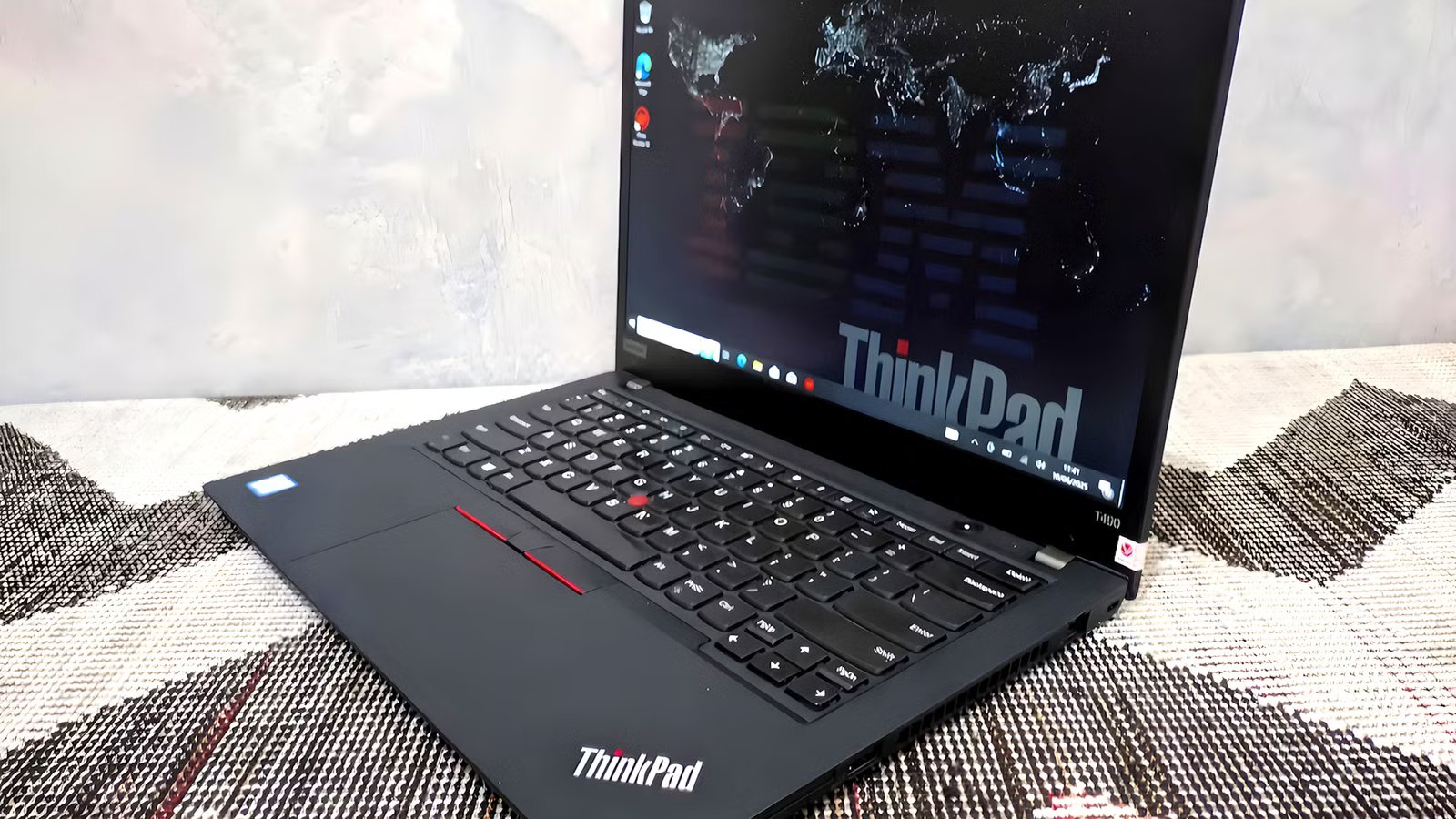
One of the best places to start your home server is with old bits of hardware. And one of the bits of hardware to use is an old enterprise laptop.
They’re rammed full of useful hardware and unique bits of software that you won’t find on a regular laptop, and they make getting your home server up and running that bit easier.
Related
If you spot this port on a cheap used laptop, grab it before someone else does
I bought a cheap used laptop for server duty, then one port made the whole deal feel ridiculous.
Wake-on-LAN
Always on, always on demand
Credit: Sergio Rodriguez / MakeUseOf
Wake-on-LAN (WoL) doesn’t sound exciting, but it completely changes how you run a home server. Instead of leaving your laptop powered on 24/7, you can send a simple “magic packet” over your network to turn it on whenever you need it.
That means your server can stay off most of the time, saving power and reducing wear, then spin up when you want to access files, stream media, or run backups. Once you start using it, it feels less like a server and more like an on-demand appliance.
It’s especially useful if your laptop is tucked away somewhere awkward, like a cupboard or under a desk—no more physically pressing the power button.
Intel vPro and AMT
Full remote control, even when it’s all hitting the fan
Most home server setups hit the same wall eventually. Something locks up at midnight, the OS won’t respond, and you’re choosing between getting out of bed or leaving it until morning.
Intel vPro and its Active Management Technology (AMT) are one way to solve that problem. vPro is Intel’s enterprise-level remote management system designed to allow IT teams to fix hardware from afar. But we can use vPro and AMT to fix a home server issue without leaving bed.
Basically, that means you can:
- Power your server on or off remotely
- Access the BIOS or UEFI settings without being physically present
- Reinstall an operating system from scratch over the network
The key feature here is AMT, which is built into the chipset, not the operating system. That means instead of relying on the OS, it can run independently, meaning that even if other hardware crashes or freezes, you should be able to access your AMT layer and start fixing problems.
AMT gives you remote access to the keyboard, video, and mouse (KVM) via a browser, enabling remote power cycling and BIOS-level access throughout your local network (on vPro AMT-enabled devices). However, before buying a laptop with vPro or attempting to start using one you already have, check that it has a vPro-certified CPU and a vPro-enabled motherboard, as one without the other doesn’t do the job.
AMD has similar features under AMD PRO and AMD DASH, though they’re less common and not quite as fully featured. Still, it’s worth checking if you’re buying an old enterprise laptop with a home server in mind.
Enterprise Feature
What It Actually Does for a Home Server
Must Have?
Wake-on-LAN
Turn your server on only when needed, saving power and wear
✅ Yes
Intel vPro / AMT
Full remote control, even if the OS crashes
✅ Yes
Virtualization (VT-x / AMD-V)
Run multiple services on one machine
⚖️ Nice
IOMMU (VT-d / AMD-Vi)
Assign hardware directly to specific VMs
⚖️ Nice
ECC Memory
Prevents silent data corruption
⚖️ Nice
Multiple drive options
Enables proper storage setups
✅ Yes
Intel networking
Better compatibility with server software
⚖️ Nice
Thunderbolt / USB4
Add high-speed storage or networking
⚖️ Nice
Intel VT-d or AMD-Vi
Virtualization support is vital
Now, I’ll caveat this section with the fact that most Intel and AMD laptops support Intel VT-x or AMD-V. This is the tech that lets you run virtualization software on your laptop in general, like VirtualBox and VMWare Workstation Pro.
But Intel VT-d and AMD-Vi are even more useful and let you more easily split your device into multiple virtual machines running different self-hosted tools. For example, you might fire up Proxmox, then install:
It all requires resource management, and VT-d and Vi are designed to do it cleanly.
Furthermore, both virtualization tools feed into the IOMMU framework, which allows individual PCIe devices to be passed through directly to a virtual machine. That means a VM can own a network card, a GPU, or a USB controller outright, protecting VMs from writing to memory belonging to other machines. Basically, IOMMU provides stability, which, when you’re running a few different virtual machines competing for resources, is vital.
ECC memory and higher memory ceilings
Faster server with built-in protection
Afam Onyimadu / MUO
Some workstation-class laptops support what’s known as Error Correcting Code (ECC) memory. ECC memory automatically detects and corrects small data errors that would otherwise go unnoticed.
On a normal laptop, those errors are rare, but they do happen. On a home server, memory problems can turn into file corruption, damaged backups, loss of data, or loss of access to the server.
It’s one of those features that’s nice to have, but you don’t need to go out of your way looking for it. Many business-class laptops — particularly ThinkPads, Latitudes, and EliteBooks from the last few generations — do.
The other consideration is the memory ceiling. Most consumer laptops cap out at around 32GB, maybe 64GB for some high-power gaming laptops, but they’ll still be in use for gaming. Many enterprise-level laptops support more than 32GB or 64GB RAM, which is a huge bonus if you’re trying to juggle multiple self-hosted apps that demand memory.
Expanded networking and peripheral support
More than just a faster NIC
Credit: Amir Bohlooli / MUO
The networking advantages of enterprise laptops are less obvious than AMT or ECC, but they add up quickly in a homelab context.
Enterprise laptops are overwhelmingly stacked towards Intel, and Intel network interface cards (NICs) have really good support across the various Linux applications you’ll be using in your home server environment. Support for RealTek and other vendors is increasing, but Intel is definitely still the easiest.
You’ll also find a wider range of useful ports on old business laptops: Thunderbolt support, USB4, swappable M.2 drives, integrated RJ45 ports, and so on are all super useful.
If you can grab an old enterprise laptop, do
Most old laptops will make do as a home server project. There is always some capacity for upgrading it into a media server at the very least, but with a few more tweaks, you can take it even further.
But if you can get your hands on the additional features that come with an enterprise laptop, and it won’t set you back a great deal of cash, go for it, because these additional features will make your home server life a whole bunch easier.
