

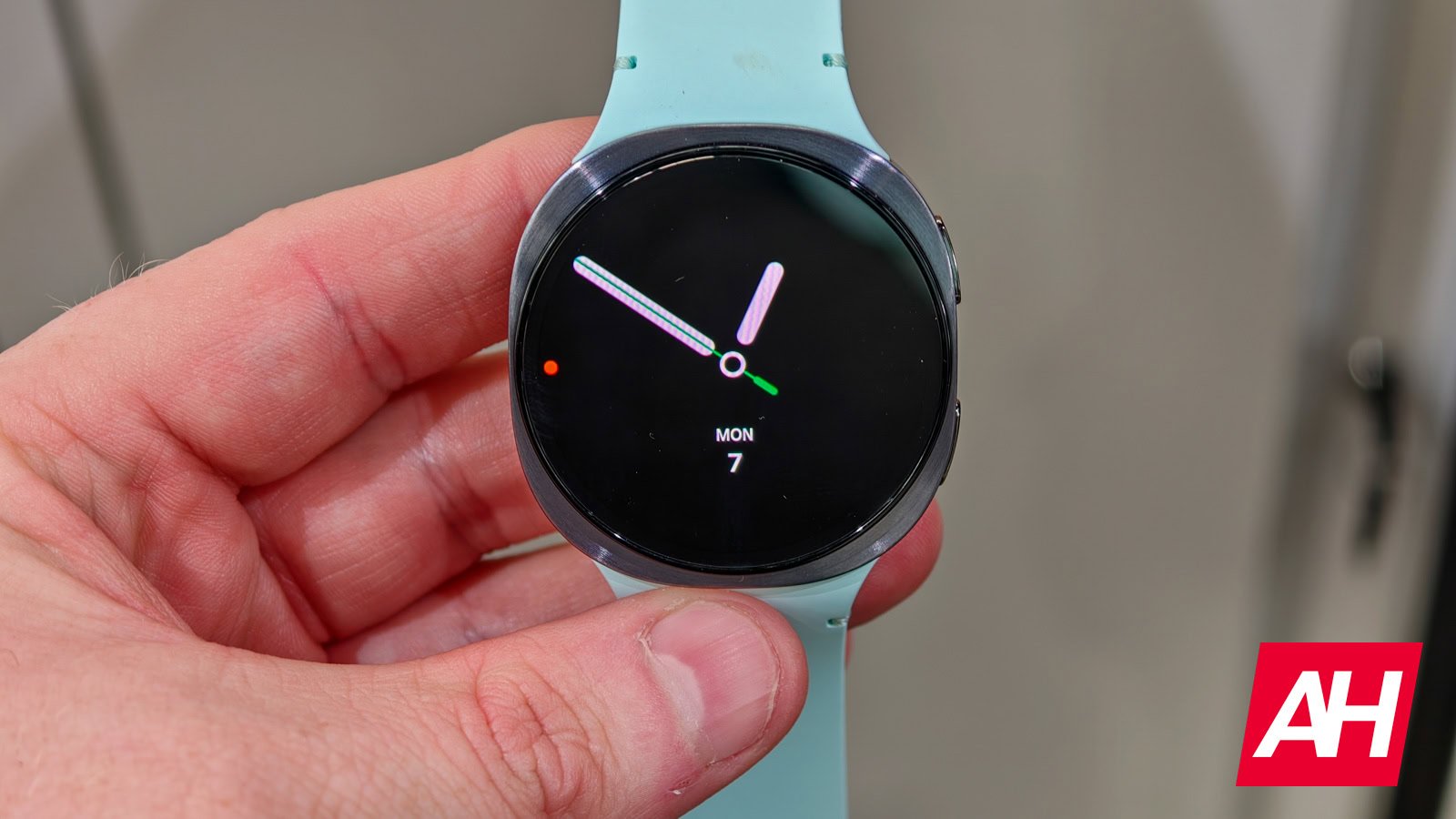
Google is rolling out a major Wear OS 6 update with several visual changes and added features. However, despite the update, many users are reportedly facing a weird watch face-related bug on their Wear OS 6-powered smartwatches. The bug causes part of the display to show ghost elements and stay dim while transitioning from AOD to the home screen.
Wear OS 6 smartwatches are facing a weird watch face bug
Users have explained that the issue is more likely to happen when they wake the watch by touch or movement. While transitioning from Always-On-Display to homescreen, the active screen does load, but the always-on layer does not fade away as it should. This creates a ghosting effect on the screen. Several AOD elements, such as numbers, icons, or hands, can be seen overlapping each other.
The original report emerges from Samsung Galaxy Watch users. However, a similar problem can be seen on other Wear OS 6-powered smartwatches as well. While the exact cause behind the issue remains unknown, many users have blamed the newly added fade animation for the issue. The system slowly fades the always-on display in and out to make the transition look smoother.
The new animation seems to be the key reason
The new fade animation seems to be quite unpolished at the moment. Sometimes, the animation does not finish before the screen powers down, and hence causes the software to freeze midway. Now, when this happens, both the layer of Always-On-Display and the homescreen overlap each other. Users have also added that the issue happens very frequently and is frustrating enough.
However, do note that the bug only affects third-party watch faces. The stock options don’t have any known issues so far. Samsung has officially acknowledged the problem and says that the issue stems from Wear OS 6. Google is yet to respond to the claim. Further, since the main cause of the bug has likely been discovered, we can expect a patch in the coming days.
