

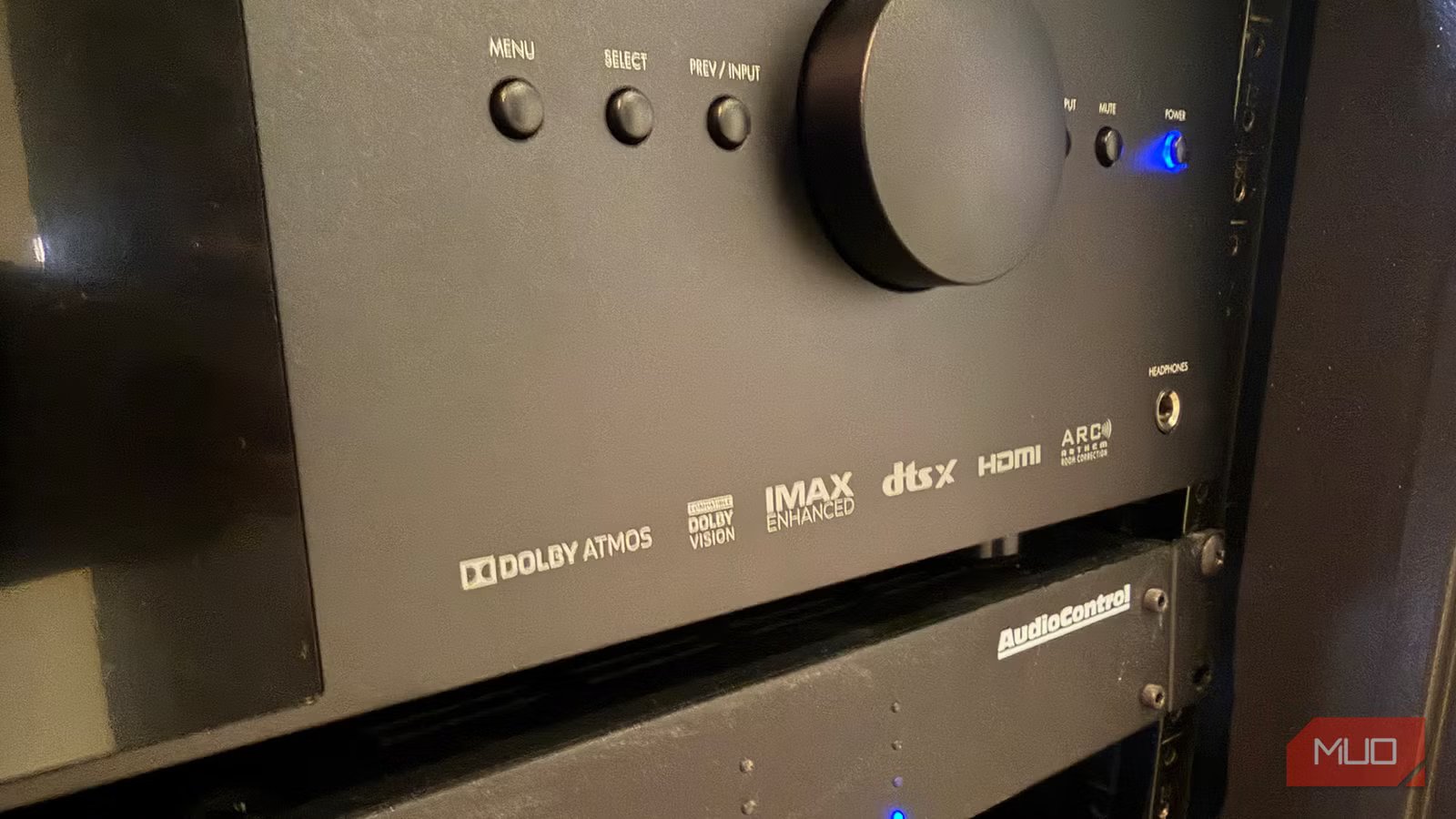
Dolby Atmos is the way to go if you want a totally immersive experience with your music playlists and/or movie soundtracks. The 3D surround sound technology adds both height and depth to audio such that, with the right setup, source device, and content, you can feel the sounds all around you, not just in front, behind, and at the sides.
It’s no wonder, then, that Dolby Atmos is the go-to choice whenever available. You can truly feel like you’re right there at a concert, or in the action during an intense thriller movie. The same experience can be had for Dolby Atmos game titles. However, you might be disappointed if you set everything up only to find that the audio sounds awful. Isn’t that the opposite of what should happen? If you have ruled out your gear as being the culprit, you might find that the reason can be attributed to a few other potential reasons.
Related
What Is Dolby Atmos? How Does It Work?
Dolby is associated with high-quality audio, and that doesn’t look like it will change any time soon.
Source uses a lossy format
Check the service
Some music streaming services offer tracks in Dolby Atmos, but what you might not realize is that they are saved in a lossy format: they aren’t lossless. The latter is considered CD quality, retaining all the details of the audio during compression. The Dolby Atmos you get through most services is not lossless. Rather, it uses object-based masters and the Dolby Digital Plus codecs. The benefit is that this creates the signature 3D sound environment for which Dolby Atmos has become known. But the downside is that the result is a loss of quality and detail compared to what you’d get from a lossless track.
For this reason, you might find that your music sounds wrong with this setting on, and you may prefer selecting a non-Atmos track instead. If your streaming service offers a Dolby Atmos or spatial audio setting, turn it off and see if you notice a noticeable improvement in sound. You might prefer it, since most streaming services, like Apple Music, offer lossy Atmos tracks. You can, it should be noted, get lossless Dolby Atmos through media like Blu-ray discs.
Volume level is lowered
Just turn it up
Amir Bohlooli / MUOCredit: Amir Bohlooli / MUO
It sounds so simple and logical, but many people might not realize that when you turn on Dolby Atmos, it can automatically lower the volume. While you might be accustomed to a volume level at which you watch everything, that same level might not suffice for an Atmos track or movie. This means all you need to do is turn up the volume to experience better sound. Easy, peasy!
The downside here is that you need to remember to turn it back down once you’re done watching your movie. Otherwise, the next time someone turns on the TV and sound system, it will blast at this higher level for other sources that don’t need it. This can also result in an imbalance between dialogue and louder moments, such as explosions. To correct this, tweak sound settings and, if available, enable a dialogue enhancer mode, which should help soften the balance. You might have to play around with various audio settings to get things exactly right. Just because it’s Atmos doesn’t mean you can negate adjusting audio to meet your auditory needs.
You need room calibration
Hire a pro or do it yourself
Image downloaded from the Sonos website.Credit: Sonos
There are people who specialize in calibration, ensuring both your picture and the room’s acoustics are optimized for the speaker placement and content. If you want the most precise, balanced sound when using Dolby Atmos speakers and content, you need to optimize. That includes everything from having the right cable to positioning the speakers for the best acoustic setup. Room acoustics are informed by the layout, furniture, and speaker positioning, distance from your couch or other seating area, and levels. All of this can play into how the audio sounds.
If Dolby Atmos doesn’t sound right, it could be that the speakers aren’t playing at the same level and/or that correction is required based on their placement in the room. Some soundbars have calibration tools within the app to help you properly set up speakers and audio. You can also use a measurement microphone and software to do it yourself. LG’s new modular Sound Suite speaker system uses Dolby Atmos FlexConnect, which can intelligently detect the location of each speaker in the room, including new ones you just add, and optimize the signal accordingly. Failing that, you can look into hiring a calibration specialist.
Dolby Atmos sounds great when used correctly
Set up and sources are key
Credit: Sergio Rodriguez / MakeUseOf
Dolby Atmos adds a sense of atmosphere to your audio, whether it’s a music playlist, a movie, or a TV show soundtrack. When you have not only the right gear but also the right setup and content source, it can truly elevate the listening experience. If there are cars zooming from behind in a NASCAR show, planes flying overhead in an action movie, or raindrops falling in a romantic flick, you’ll hear them from the position from where they actually originate, which adds a sense of realism.
If you find your Dolby Atmos audio doesn’t sound great, and you know your gear is top-notch, one of these reasons could be the culprit. Check a few things before streaming music in Dolby Atmos from a desired source. Verify speaker placement, audio balance, and volume level. If you go through these steps and something still doesn’t sound right, it might be worth calling in an audio calibration specialist or trying a different source to see if that might be the issue. But when it’s right, Dolby Atmos is pretty terrific.
