

Most folks only use USB-C as a charging port or to transfer data.
But underneath the oval-shaped connector’s wonderfully accessible shape are a heap of extra specifications: USB Power Delivery for negotiating power flow, Alt Mode for tunneling other protocols like DisplayPort through the same pins, and USB4 at the high end for raw bandwidth — and it’s the combination of these that makes USB-C easily one of the best bits of tech in the past decade.
Related
How USB-C reversibility actually works
Reversible doesn’t mean identical.
Charge another phone from yours
Reverse charge all the things
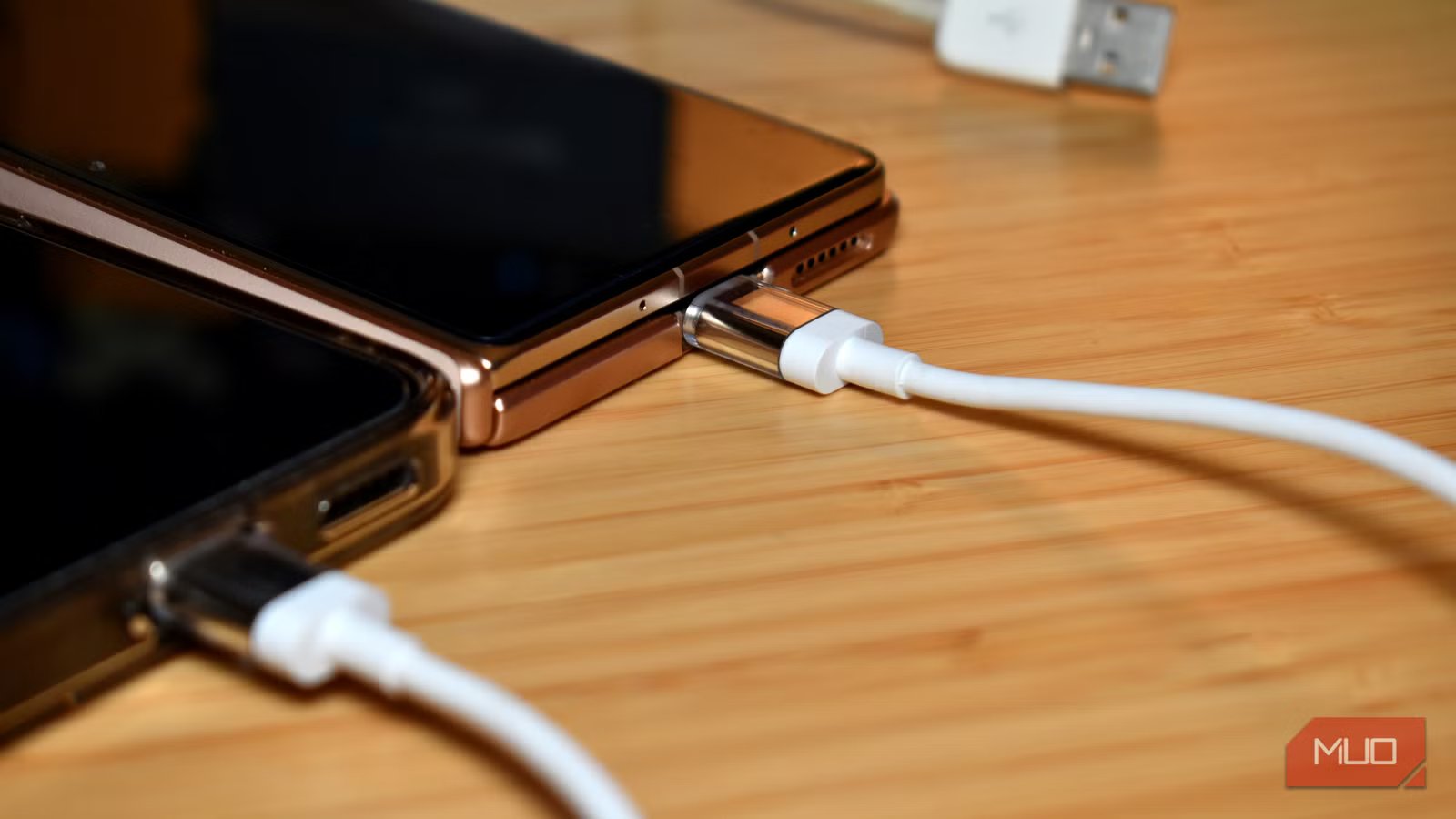
Reverse charging is one of the most useful USB-C capabilities: just plug your phone into another device, and it’ll start charging the recipient automatically.
It works because USB Power Delivery is a bidirectional negotiation rather than a fixed direction — the two devices communicate when connected, work out which one has more power to offer, and set the direction of flow accordingly.
The only problem is that more devices support incoming USB PD rather than giving it out. On Android devices, it varies by manufacturer and model, sometimes within even the same range. Samsung calls it “Wireless PowerShare” for wireless reverse charging and handles wired reverse charging through PD on most of their flagship S and Z series. Google’s Pixel line has been inconsistent — some models support it, others don’t, and it’s not always clearly advertised. OnePlus, Xiaomi, and Oppo flagships generally support it.
On iPhone, Apple only enabled USB-C PD output with the iPhone 15 range, and it applies across all four 15 models, not just Pro. Earlier iPhones with Lightning couldn’t do it at all.
But even then, reverse charging isn’t super fast. You’re typically capped at 4.5W or 7.5W going the other direction, which is slow but functional for an emergency top-up. It’s not the same as plugging into a 20W wall charger.
Get wired gigabit Ethernet from a single adapter
This one feels like magic
I didn’t realize for quite some time that smartphones actually support incoming Ethernet connections. But it turns out they absolutely do, so long as you have a USB-C-to-Ethernet adapter, and your device has an internal Ethernet chip.
For example, the UGREEN USB-C to Ethernet Adapter supports most smartphones, with specific support for iOS and Android devices.
You’ll still need to check if your specific device supports Ethernet connections, but it’s a fantastic way to use your smartphone (or tablet) over a wired connection, get faster and more stable download speeds, and so on.
Brand
UGREEN
Platform Compatibility
USB-C
Speed
1Gbps
This UGREEN USB-C to Ethernet Adapter provides stable, high-speed wired internet up to 1Gbps. Featuring a durable aluminum case and plug-and-play functionality, it’s compatible with almost any USB-C capable device. It is an ideal, compact solution for lag-free gaming, smooth streaming, and reliable video conferencing.
Run a monitor with no power cable
DisplayPort and HDMI Alt Mode work seamlessly
Credit: Brady Snyder / MakeUseOf
USB-C monitors that support Power Delivery pass-through can receive a video signal and power themselves from a single cable connected to your laptop or smartphone.
Your device negotiates a DisplayPort or HDMI Alt Mode connection for the video side while simultaneously delivering power to the display — typically somewhere between 10W and 30W, depending on the monitor’s requirements.
Voltage
Max current
Max wattage
Typical use
5V
3A
15W
Basic phone charging, accessories
9V
3A
27W
Fast charging on smartphones
15V
3A
45W
Tablets, small ultrabooks
20V
3A
60W
Laptops, standard range
20V
5A
100W
Performance laptops (requires e-marked cable)
28V
5A
140W
High-performance laptops (PD 3.1 EPR)
36V
5A
180W
Mobile workstations (PD 3.1 EPR)
48V
5A
240W
Gaming laptops, high-draw devices (PD 3.1 EPR)
Now, of course, you’ll have to be aware of power draw. On a smartphone or laptop, attaching a massive monitor via USB-C will potentially drain your battery. I’d strongly advise you to check the monitor’s spec sheet for its power draw before assuming this will work.
Well, not that it won’t work, but more that it’s power efficient for what you want to use it for.
Charge your laptop from a phone power bank
Depending on the specs
USB Power Delivery really is the star of the show. It defines a standard set of voltage and current profiles (5V, 9V, 15V, 20V), and when connected to the right hardware, it can negotiate the highest profile that both devices support
That means when you connect your smartphone charging power bank to your laptop, there is a strong possibility it’ll deliver it some juice, despite what the manufacturer’s packaging may say. A power bank designed primarily for phones can still output 45W or 65W to a laptop if it’s rated for it, and the laptop doesn’t distinguish between that and a wall charger.
Cable rating
Max wattage
E-marker required
Typical use
Standard USB-C
60W
No
Phones, tablets, light laptop charging
100W (5A rated)
100W
Yes
Most laptops, docks, monitors
240W EPR
240W
Yes (EPR-specific)
Gaming laptops, high-wattage chargers
What a lot of people don’t realize is that the cable itself is also part of that negotiation. A standard USB-C cable without an e-marker chip will silently cap power delivery at 60W, regardless of what the charger and device both support.
To get above 60W, you need a cable explicitly rated for 100W, containing an e-marker chip that communicates the cable’s capabilities to both devices during the handshake. If you’re finding your laptop charging slower than expected from a high-wattage power bank, the cable is usually the first thing to check.
Charging will be slower depending on the wattage and voltage, but it could give you some extra power when you need it most. The flipside is that because a laptop sips far more power than a smartphone, your portable power bank will likely drain faster, too. Keep that in mind if you’re rationing your power.
Skip the phone storage
Credit: Paul Antill / MakeUseOf
In 2023, the iPhone 15 Pro launched with the ability to record Apple’s high-quality ProRes video format directly to an external SSD via a USB-C cable.
ProRes is a high-bitrate format — at 4K 30fps, Apple Log ProRes can run at around 1.7GB per minute, which is why this wasn’t possible before the USB-C switch from Lightning, since Lightning’s bandwidth simply couldn’t sustain it. USB-C on the 15 Pro runs at USB 3.0 speeds (up to 10Gbps), which gives it enough headroom to write that data in real time, and the tech has carried forward to the latest iPhone models.
Unfortunately, it’s not quite so cut-and-dry with Android devices, which require a third-party app to unlock this functionality. It does work, but you’ll need an app like MotionCam Pro, mcpro24fps, or Blackmagic Camera to enable it.
OS
Android
Subscription Price
$27
Price model
Premium
MotionCam Pro is a professional Android app that enables uncompressed RAW video capture, bypassing standard phone processing. It offers filmmakers maximum dynamic range and flexibility for colour grading. Features include 10-bit ProRes encoding, manual controls, and real-time monitoring tools, turning compatible smartphones into powerful cinema cameras for high-end production.
Go forth and test USB-C
None of this requires specialist hardware or any particularly unusual setup. USB-C has been capable of most of this for years. The main barrier has always been knowing it was possible in the first place.
It’s worth checking your cables and chargers to see what they’re actually rated for, because there’s a reasonable chance you’re leaving some of that capability on the table.
