

There are tons of Linux distributions out there, and for better or worse, the list keeps growing. Here are some 2025 arrivals fresh out of the open source operating system development oven.
HTG Wrapped: Our favorite tech in 2025
24 days of our favorite hardware, gadgets, and tech
Keep in mind that I don’t necessarily recommend installing any of these, especially as a daily driver. Not only are they mostly in beta or even alpha phases of development, but some have only one developer maintaining them. That’s typical for brand new distributions, but it presents an unavoidable reliability problem: what if that one person overlooks a security patch because they’re busy, and what if changes in their personal or professional life make them unable to keep up with the project at all? Newbies to Linux in particular I recommend sticking to popular, well-established distributions with a team of developers keeping the engine going.
KDE Linux
The KDE distro to end all KDE distros
Credit: KDE
When KDE Linux showed up in August, it made quite a stir. The KDE project and its huge collection of open source software is very popular in the Linux world. It’s maybe best-known for the Plasma desktop environment, and a few distros like KDE Neon and Kubuntu have become known as the Plasma experience.
The KDE Linux distribution though is set to supplant them as the purest KDE experience outside the testing-focused Neon distribution. KDE Linux is intended to be a “reference implementation,” meaning it’s the KDE experience as exactly as its developers intend, without any outside influences.
KDE Linux departs from conventions in some ways in that it’s joining the growing subset of Linux distributions called “immutable OS.” That means its base is read-only, so any system-level changes are wiped at reboot and updates are applied as one complete image, avoiding certain OS vulnerabilities.
Since the announcement, KDE Linux has yet to exit the alpha stage. According to the KDE community wiki page on KDE Linux, the beta is currently in progress. Several major milestones have yet to be hit, like secure boot support, a fully-functioning trash folder, and manageable update sizes. Until then, KDE Linux isn’t ready for prime time.
NebiOS
A flashy take on the Wayfire experience
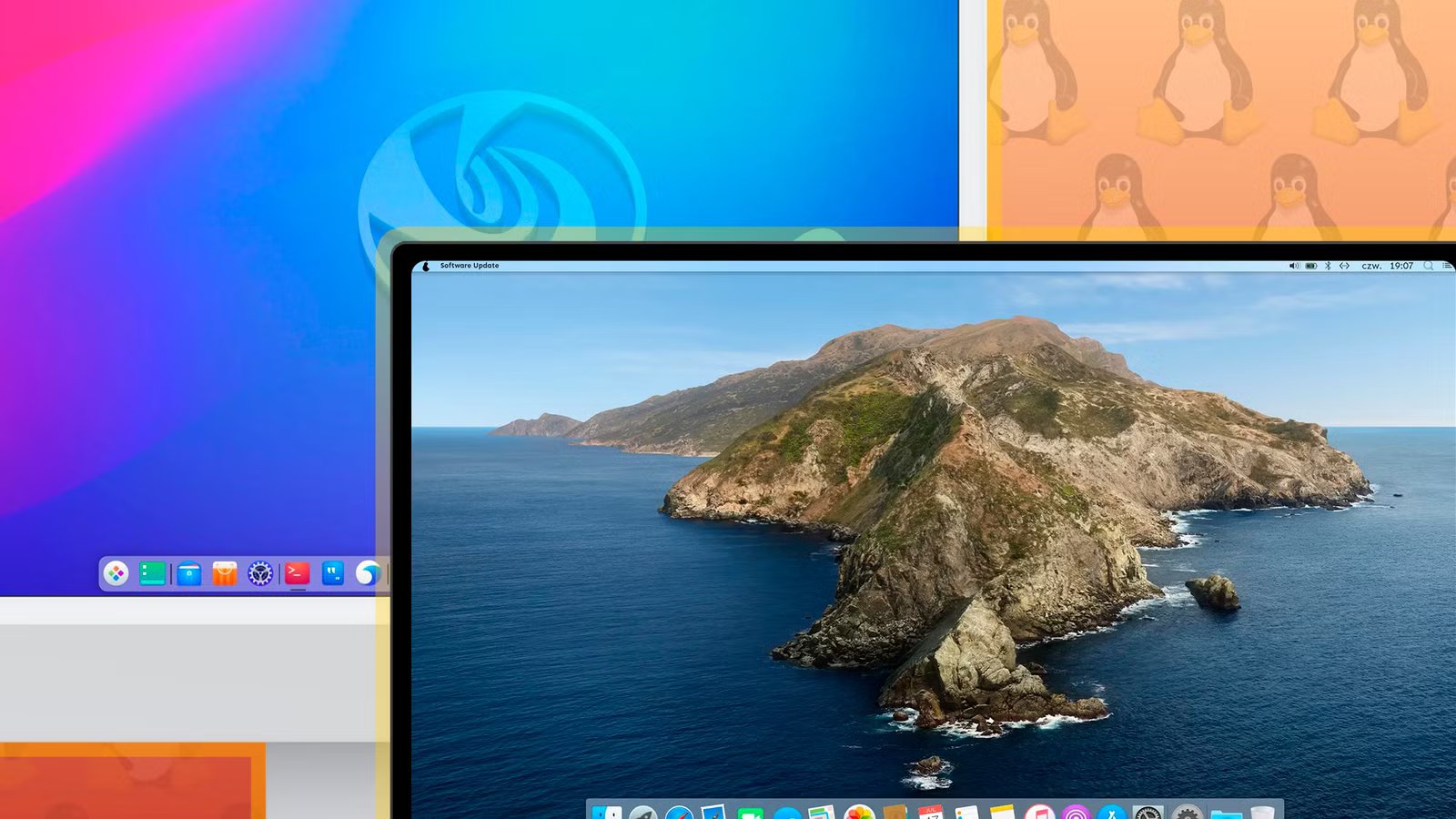
NebiOS arrived in 2025, standing out on this list for its unique, artistic flare. It features its “NebiDE” desktop environment based on the highly flexible Wayfire compositor but with a layout that echoes macOS, as you might guess from the X in the name of NebiOS’ first release. It includes several widgets for both productivity and fun.
Given the impressive looks, you can feel bad about what you’ve accomplished in life by learning that the sole developer of NebiOS is just 19 years old (or at least that’s what they claim). Like I said earlier, I don’t put much faith in distributions run by a single developer, much less someone who may enroll as a full-time student at any time.
Still, I wanted to include NebiOS at least as an example of Linux’s flexibility. Not everything has to look like either GNOME or KDE.
pearOS
An old distro for Mac fans, reborn
If you’ve been around long enough, you may actually recognize the pearOS name, or as it was known back in the day: Pear OS Linux. After being known for a long time as one of the best macOS lookalikes for Linux folks, Pear OS Linux got renamed and passed around to several developers, never quite landing as a distinct and usable project.
This year, the legacy was revived by developer Alexandru Bălan with the announcement of pearOS and its first release called “NiceC0re.” It sports a Liquid Glass imitation called “Liquid Gel,” and it also features a brand-new custom installer.
The desktop environment it uses to pull off the Apple-inspired look isn’t custom; it’s just Plasma. Under the hood pearOS is actually an Arch distribution, so you can expect bleeding edge software delivered in rolling release updates.
Related
5 Best Linux Distros with Native NVIDIA GPU Support
Discover the perfect Linux distro for your NVIDIA-powered system, ensuring a hassle-free experience from the start.
ObsidianOS
Two partitions are better than one?
Not to be confused with the note-taking software popular with Linux power users, ObsidianOS is a new Linux distribution that might have you seeing double. I’m talking about it’s highly unique partitioning scheme that Obsidian OS calls “A/B partitioning.” It’s a solution meant to protect you from system-breaking updates.
Essentially, ObsidianOS lives on two different ext4 partitions, with one (what you can call partition A) containing the latest updates, and the other (partition B) containing the previous updates. ObsidianOS typically boots into partition A, but if you have problems, you can boot into partition B and wait until the update issues are resolved.
Of course, the ability to roll back to a previous system state is nothing new. Linux filesystems like Btrfs and XFS have long provided built-in system snapshot creation and recovery tools. In fact, the Obsidian OS wiki acknowledges this, and the website calls the choice of ext4 a means of avoiding “the complexities of other filesystems.” If you find other filesystems too complex, then maybe ObsidianOS is worth looking into.
Related
10 Linux apps I tried in 2025 that I’m still using daily
From the utilitarian to just the plain cute and fun, I’ve found several apps that I refuse to uninstall.
While there are new Linux distributions popping up all the time, few actually last long enough to build a reliable base of users and contributors. Some of the longest-running Linux distributions have been around since the 90s and are still being developed today.
