

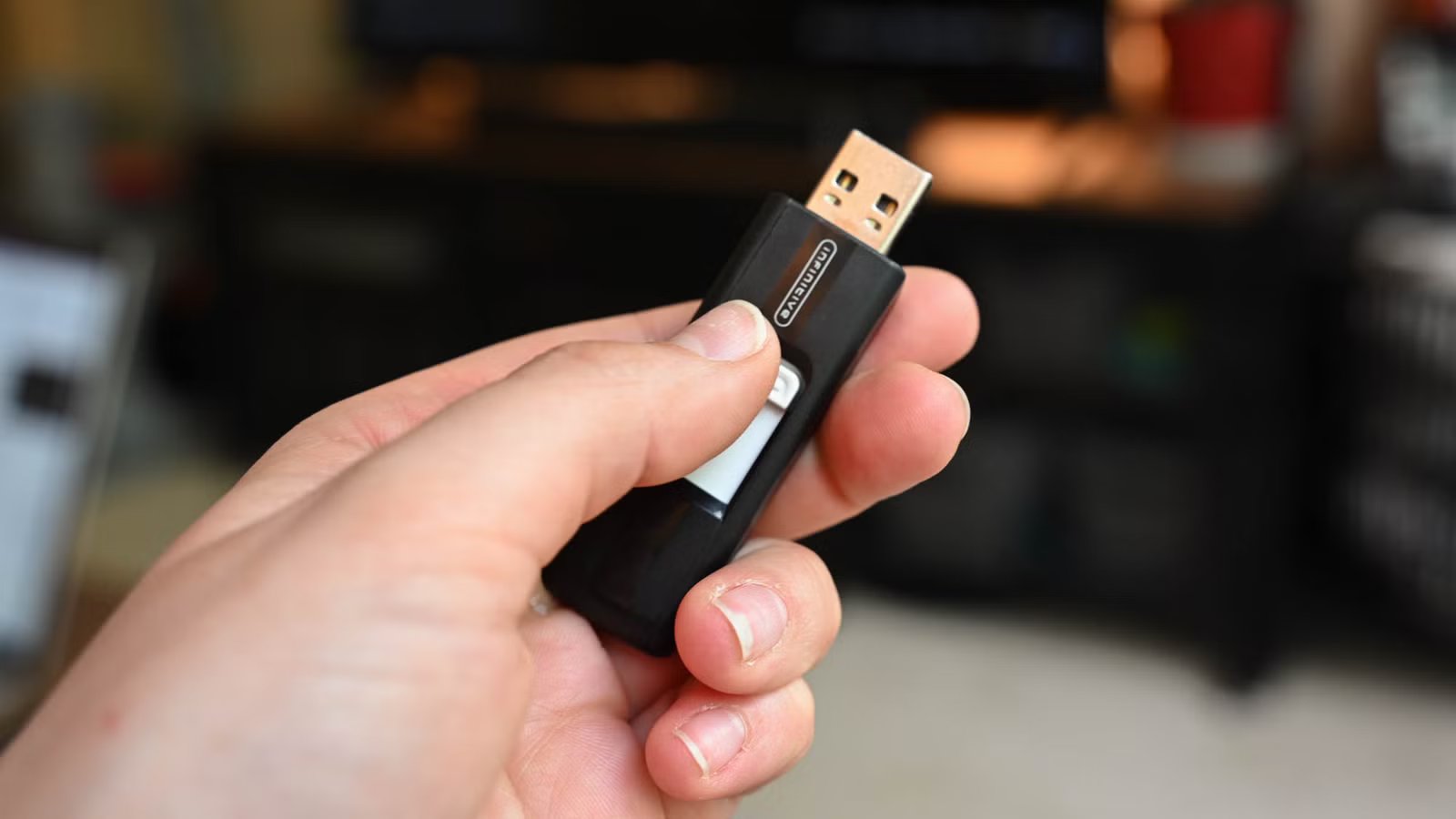
Just 10 years ago, thumb drives were commonplace everywhere. You probably carried one around in your keys, or you had one in your backpack. Things have changed a lot, though.
Well into 2026, the thumb drive is dead—or at least, there’s no good reason to buy one anymore.
Thumb drives are not a good purchase
Credit: PNY
For the better part of two decades, the USB thumb drive has been the ubiquitous symbol of data portability. How could it not be, frankly? A compact drive that fits inside your pocket and lets you carry essential files with you, which you can just plug into any computer and use. However, as things have evolved recently, these devices have quietly become one of the worst investments a consumer can make for general storage.
It’s a hot take, so let me explain. The vast majority of consumer thumb drives are constructed using the lowest grade of NAND flash memory available, often referred to as the “bottom of the bin” leftovers from the manufacturing of higher-quality SSDs and smartphone storage. Because manufacturers do not expect these drives to run an operating system or handle constant data transfers, they pair this low-quality flash with rudimentary controllers that lack the sophisticated error correction, wear leveling, and thermal management found in proper SSDs.
The result? A product that is fundamentally fragile and inconsistent. While the packaging on a high-end USB stick might promise transfer speeds of 400 MB/s, these are almost exclusively “burst” speeds. This means the drive can handle that speed for a few seconds before the controller overheats or the small cache fills up, at which point the transfer rate often throttles down to speeds reminiscent of the USB 2.0 era—sometimes dropping below 30 MB/s.
This makes moving large video files, backups, or game libraries, frankly, pretty frustrating. Furthermore, the lack of robust thermal management means that sustained use cooks the memory chips, significantly shortening the lifespan of the drive. When a thumb drive fails, it usually does so without warning, turning the device into a “read-only” brick or simply vanishing from the file explorer entirely.
They’re not even cheaper, either
Credit: Hannah Stryker / How-To Geek
The argument sustaining the thumb drive market these days, for many, is the idea that they are the budget-friendly option. While this remains true for distinctively low-capacity drives, such as 16GB or 32GB units used for simple document transfers, the value proposition evaporates completely once you enter the realm of high-capacity storage. When looking at 128GB, 256GB, or 512GB capacities, the price-per-gigabyte ratio has skewed heavily in favor of dedicated internal drives.
Manufacturers charge a significant premium for the miniaturization and the USB form factor, often marking up high-capacity thumb drives to prices that rival or exceed far superior hardware. If you were to shop for, say, a high-performance 256GB USB 3.2 thumb drive from a reputable brand today, you would likely find it priced similarly to—or sometimes more expensive than—an entry-level 500GB NVMe or SATA M.2 SSD.
The economics of flash memory manufacturing favor the standard M.2 format used in laptops and desktops because that is where the volume of production goes. Consequently, you are effectively paying a “convenience tax” for the thumb drive form factor while receiving half the capacity and a fraction of the performance. Additionally, the resale value and warranty periods reflect this disparity. A standard M.2 SSD often comes with a three-to-five-year warranty and a high endurance rating (TBW), whereas many thumb drives come with limited one-year warranties and no stated endurance rating at all. Consumers are essentially paying a premium price for a disposable product. Not ideal.
The alternative: m.2 SSDs and adapters
Credit: Patrick Campanale / How-To Geek
The death of the thumb drive does not mean the death of portable storage. There’s still a legitimate reason why you might want a tiny drive that fits in your pocket. It’s just that there are better options to thumb drives. Probably the best solution lies in combining a standard M.2 SSD with a USB-C external enclosure. While this may sound daunting and something a bit like a technical project reserved for enthusiasts, it is actually incredibly simple. You just need to buy a cheap drive—either NVMe or SATA protocol—and slot it into a generic aluminum housing that probably won’t set you back more than $15. These enclosures connect via USB-C (often with a USB-A adapter included) and require no drivers, instantly turning an internal component into a sleek, ultra-fast external drive.
It’s still technically a thumb drive, but you’re using a higher-quality SSD that not only might be cheaper, but it’s also faster and more durable than what you’d get from a thumb drive. And the difference is worth it. Even a budget-tier NVMe SSD in a USB 3.2 Gen 2 enclosure can saturate the USB bandwidth, delivering sustained read and write speeds of 1,000 MB/s without throttling. Unlike thumb drives, these SSDs utilize sophisticated controllers with DRAM caches or HMB (Host Memory Buffer) technology, meaning they can write hundreds of gigabytes of data in a single session without slowing down or overheating to the point of failure.
The metal enclosures also act as heatsinks, dissipating thermal energy to protect the NAND flash. Furthermore, this solution is modular. If the USB connector breaks—a common point of failure for thumb drives—you simply spend $15 more on a new enclosure, and your data remains safe on the drive. And if you eventually upgrade the drive to a larger capacity, the old drive can be repurposed inside a PC or laptop.
