

I still remember it like it was yesterday—I was watching homelabbing YouTube and scrolling the r/homelab subreddit, wishing my homelab could look like those “real” homelabs. I told myself that, one day, I would have a “real” homelab like those guys. I later realized that those Reddit homelab upgrades aren’t actually necessary at all to have a real homelab, and I wish I would have avoided some of them.
10 gigabit networking
You probably can’t take full advantage of multi-gig networking anyway
Credit: Patrick Campanale / How-To Geek
Traditional gigabit networking is fine for the average user, but is definitely becoming obsolete. I personally think homelabs should run on multi-gig. However, I don’t think that the jump needs to go straight from gigabit to 10 gigabit.
In my own homelab, when I upgraded servers last year, they all came with some form of 10 gigabit networking built-in. I considered buying a 10 gigabit switch and moving my entire homelab to that, but I eventually opted for just 2.5 gigabit. Why 2.5 instead of 10? Cost.
You see, while 2.5 gigabit is 75% slower than 10 gigabit, it’s also 250% faster than traditional gigabit. I love percentages like that, but it really is true. I can move a file 2.5x faster on 2.5 gigabit than I could on normal gigabit.
2.5 gigabit hardware is also vastly cheaper than 10 gigabit hardware. The Unifi Flex Mini 2.5G switch that I got—which has five 2.5 gigabit Ethernet ports on it—is only $49. The cheapest 10 gigabit switch Unifi sells is $299, but the uplink connection is only gigabit. To get a 10 gigabit uplink, you have to spend $499.
So, while 10 gigabit networking sounds like a dream, it’s simply priced too high right now for the average homelabber. Don’t listen to those Reddit threads telling you that you need 10 gigabit networking, just go with 2.5 gigabit and enjoy faster transfer speeds without emptying your savings account.
A full-size server rack
It looks nice in photos, but that’s where it ends
Very shortly after I started my homelab I got a full-size server rack. Well, not full size, but more than half size. I had a 27U rack, and a full size is 42U. Really though, I didn’t need more than 4U for what my homelab actually needs to have in it.
The full-size server rack sounded great though. I could rack any hardware that I could ever want. It would be easily accessible, I could roll it around, and it supported both networking equipment and enterprise-grade servers—it was great!
The problem is, most homelabs don’t actually need a full-size server rack. It was big, bulky, and cumbersome to work with. Rolling it around in my office was a pain, and there was so much wasted space in it.
If you have a ton of networking and server equipment, then a server rack makes sense. However, for the average homelab, it’s just way overkill. A simple network server rack would be a better bet, and takes up a lot less space.
Enterprise-grade servers to run a few Docker containers
They’re great for mass storage, but overkill for most everything else
Credit: Patrick Campanale / How-To Geek
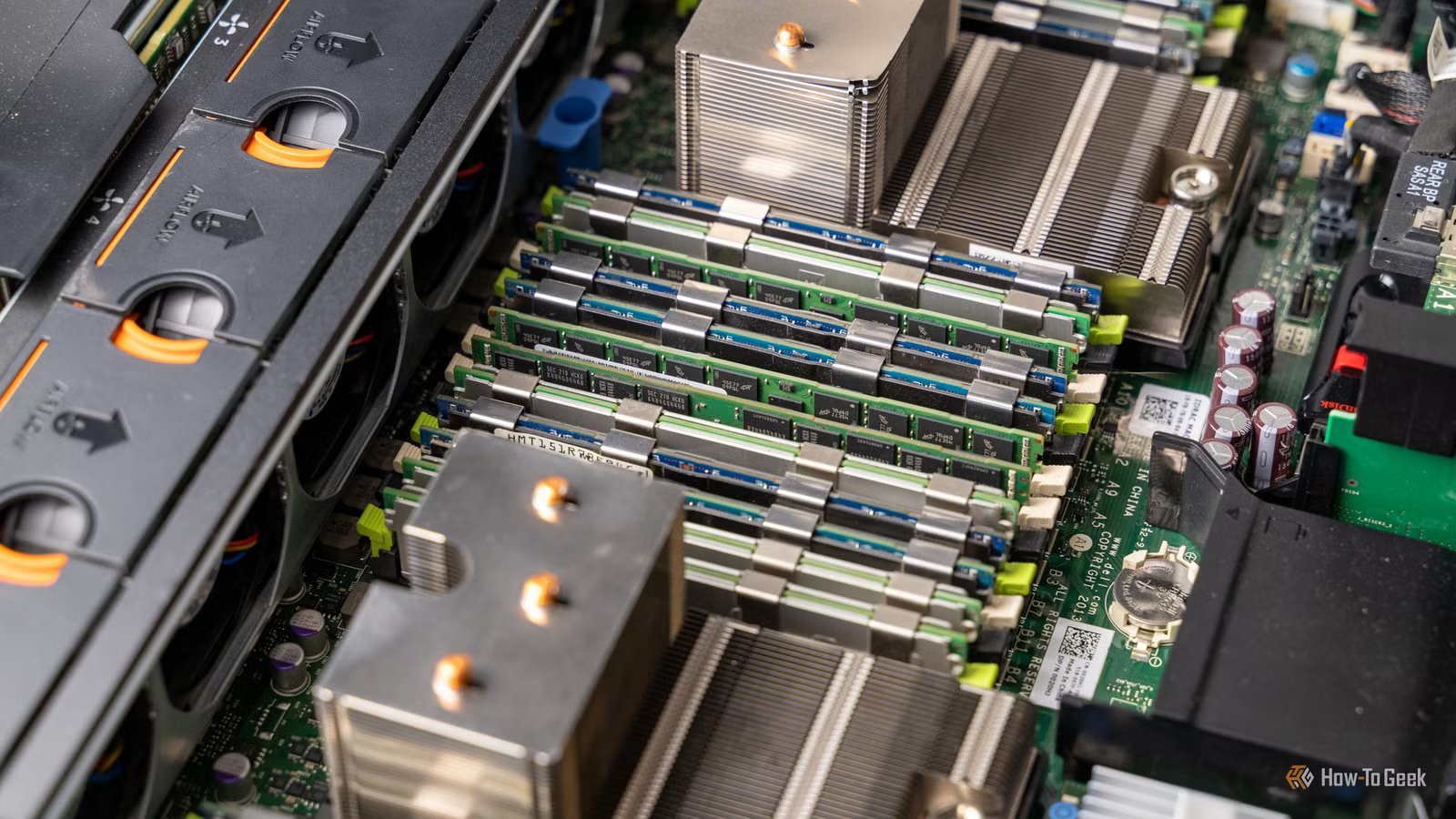
Listen, I love my enterprise-grade server. There’s no way I could have the type of storage server I do without it. The problem came when I got enterprise-grade servers to run my homelab services and Docker containers.
For a while, I was running three full-size, enterprise-grade rack-mounted servers. One handled my main storage, another handled my applications, VMs, and Docker containers, and the third was a storage system that I never ended up using. Enterprise-grade servers are designed to be run in enterprise environments, not homelabs.
Because these types of servers are designed for server farms, they’re built to be loud, bulky, draw a lot of power, and output a lot of heat. These four factors make enterprise-grade servers a nuisance in a homelab.
Several months ago, I realized this and got rid of the all my big servers (except for my one storage system) and moved to using consumer-grade equipment, and I was actually much happier. My VMs were more responsive, the system used less power and output less heat, and it took up far less space.
Then, a month or two ago, I moved from my way overkill i9-13900K 96GB DDR4 desktop to two mini PCs—each with a modest Ryzen 5 or Core Ultra 5 processor and 16GB of RAM. Do you know what I noticed when I made the move? Nothing.
I went from a 20-core 40-thread rack-mounted server with 192GB of RAM, to an i9-13900K desktop with 96GB of RAM, to a mid-range mini PC with 16GB of RAM and noticed no difference in my daily Docker workflow for standard homelab tasks like running Plex, Home Assistant, Audiobookshelf, or any other normal self-hosted software.
Brand
KAMURI
CPU
i5-14450HX
The KAMRUI Hyper H2 Mini PC features an Intel Core i5-14450HX 10-core 16-thread processor and 16GB of DDR4 RAM. The included 512GB NVMe SSD comes with Windows 11 pre-installed so the system is ready to go out of the box.
There are many upgrades that you can make to your homelab out there, but not all of them are actually worth it. The above upgrades are just three things that I personally did because I was drawn in by the allure of the r/homelab subreddits and YouTube homelabbers and wish I wouldn’t have done.
So, learn from my mistakes and spend your money and time on other areas of your homelab instead of wasted upgrades, like learning Linux better, setting up better authentication flows, or just spending time with your family instead of hours debugging an upgrade you didn’t actually need to do.
