

Are you still using your RAID card for RAID? It’s time to move to software-based RAID—but don’t throw that RAID card out yet, it still has a lot of use in your homelab.
Hardware RAID used to be the only reliable RAID method
Modern operating systems handle software-based RAID way better
Credit: Patrick Campanale / How-To Geek
If we rewind time even by just 15 years, you’d see that hardware RAID controllers were all the rage. Back in the early to mid 2000s, barely anybody used software RAID, and it wasn’t until around 2015 is when software RAID began to fully take over.
Hardware RAID requires specific hardware RAID controllers. Think of these RAID controllers like a graphics card. A processor could handle all of the storage (or graphics) processing on itself, but it’s better to let a dedicated device handle it.
A RAID card would actually build the RAID itself and then present the operating system with one big logical drive. When the operating system went to write a file, it simply told the RAID controller and the controller handled where that file ended up.
Now, this was fine for many environments, but hardware RAID did come with a lot of drawbacks. Because the operating system didn’t ever see what was actually going on with the drives, and the RAID card handled it all, if your RAID card failed, then your data was effectively gone with it.
Sometimes, getting an identical card from the same manufacturer would let you recover the data, but it wasn’t a guarantee. It also wasn’t really all that simple for new features to be added to your RAID card as that required low-level firmware updates.
RAID cards were a product of their time, but definitely weren’t the best solution overall. These days, software RAID is where everything happens. Operating systems and hardware have come a long way since hardware RAID was king, and it’s now easier then ever to handle your server’s storage without a dedicated card—but RAID cards do still have a use, even when not handling RAID writes anymore.
A RAID card still lets you hook up lots of drives
It’s the best way to build a homemade NAS
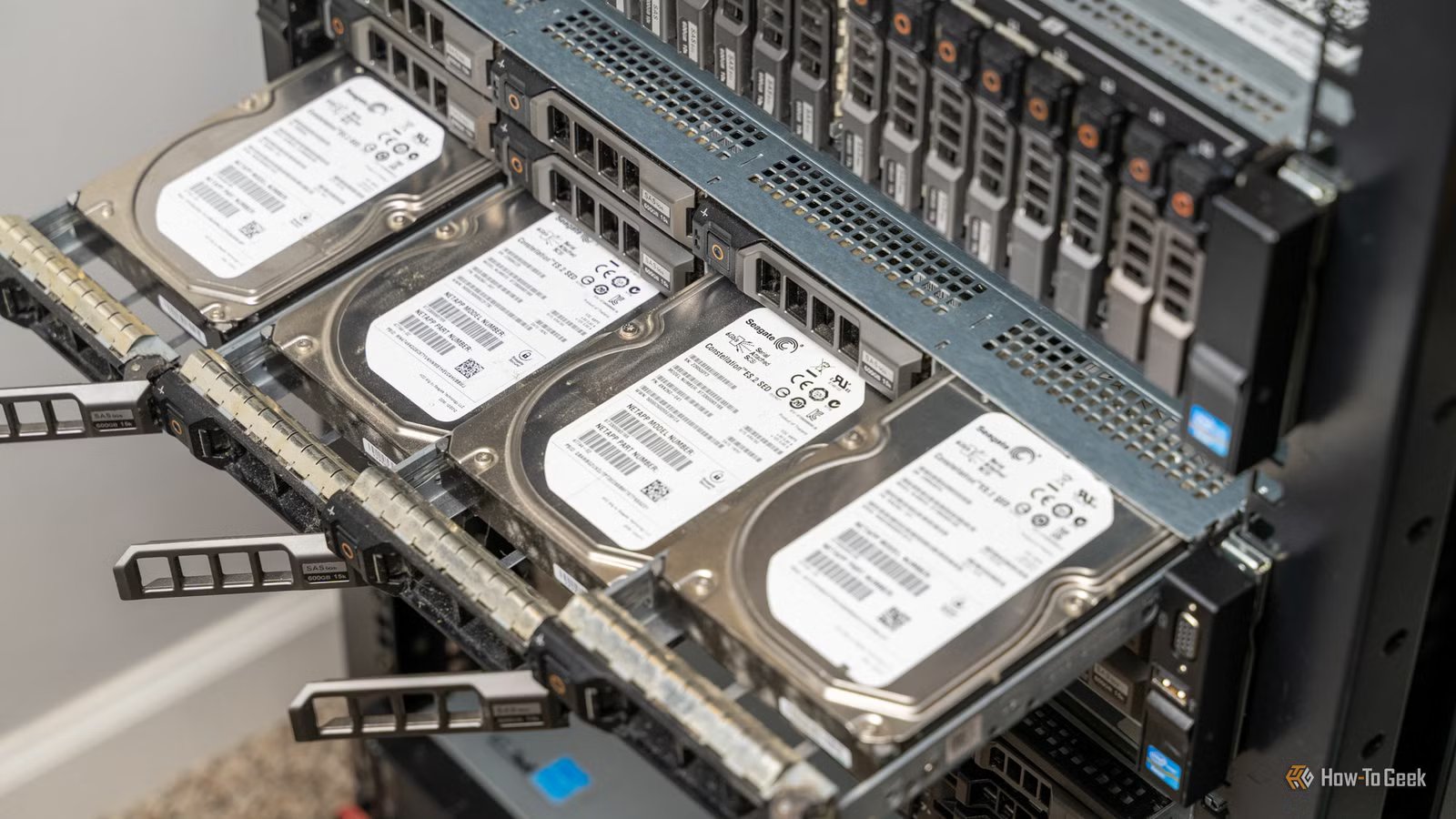
One of the best features of a RAID card is the fact that it can take a PCIe slot and turn it into a bunch of hard drives. For example, my Lenovo RD440 server has one RAID card that handles hooking up 12 drives. That’s pretty impressive, since most motherboards come with just four or six SATA ports these days.
When I was helping a friend build a DIY NAS, I directed them to pick up a used RAID card off eBay. They’re cheap now, as a lot of servers were decommissioned with them installed. Cards like the LSI 9305-16i, which can handle up to 16 individual drives connected to it.
Basically, if you’re wanting to build out a NAS with your own components, a retired RAID card is the best option because they’re cheap (less than $50 most of the time) and make it so you can hook up a lot of drives with ease.
A word of caution before using a RAID card for your NAS
You really should flash it into HBA/IT mode first
There’s one catch to using an old RAID card in a modern NAS with software RAID—the card has to be in HBA or IT mode first. As I mentioned at the start of the article, a RAID card presents one logical volume to the operating system. This means that the OS can’t handle RAID, as it sees just one drive.
To have a RAID card pass the individual drives through to the operating system, it needs to effectively be disabled and put into a mode that just lets it pass the dives straight through. This is typically called a HBA (host bus adapter) or IT mode.
It’s possible to flash cards yourself—I’ve done it—but many online sellers have this already done for you so you don’t have to worry about it. I would always make sure that whatever RAID card you’re getting either already is in HBA/IT mode, or can be put into HBA/IT mode.
I’ve seen a handful of cards that don’t support HBA/IT mode at all, meaning they’d be useless for a software RAID setup like Unraid or TrueNAS, so it’s always worth double checking before purchasing.
Software RAID opens up a world of possibilities, especially when used with a RAID card
My Lenovo RD440 runs Unraid and is able to easily handle the 12 drive bays that it has on the front. I’ve also run a Dell R720xd with 12 front-mounted 3.5-inch drive bays and two rear-mounted 2.5-inch bays, also using a RAID card in HBA/IT mode.
Whether you choose to use Unraid, TrueNAS, or another operating system entirely, being able to pass through all of the drives individually to the host OS is crucial these days inside of a homelab, making RAID cards more useful now then ever.
