

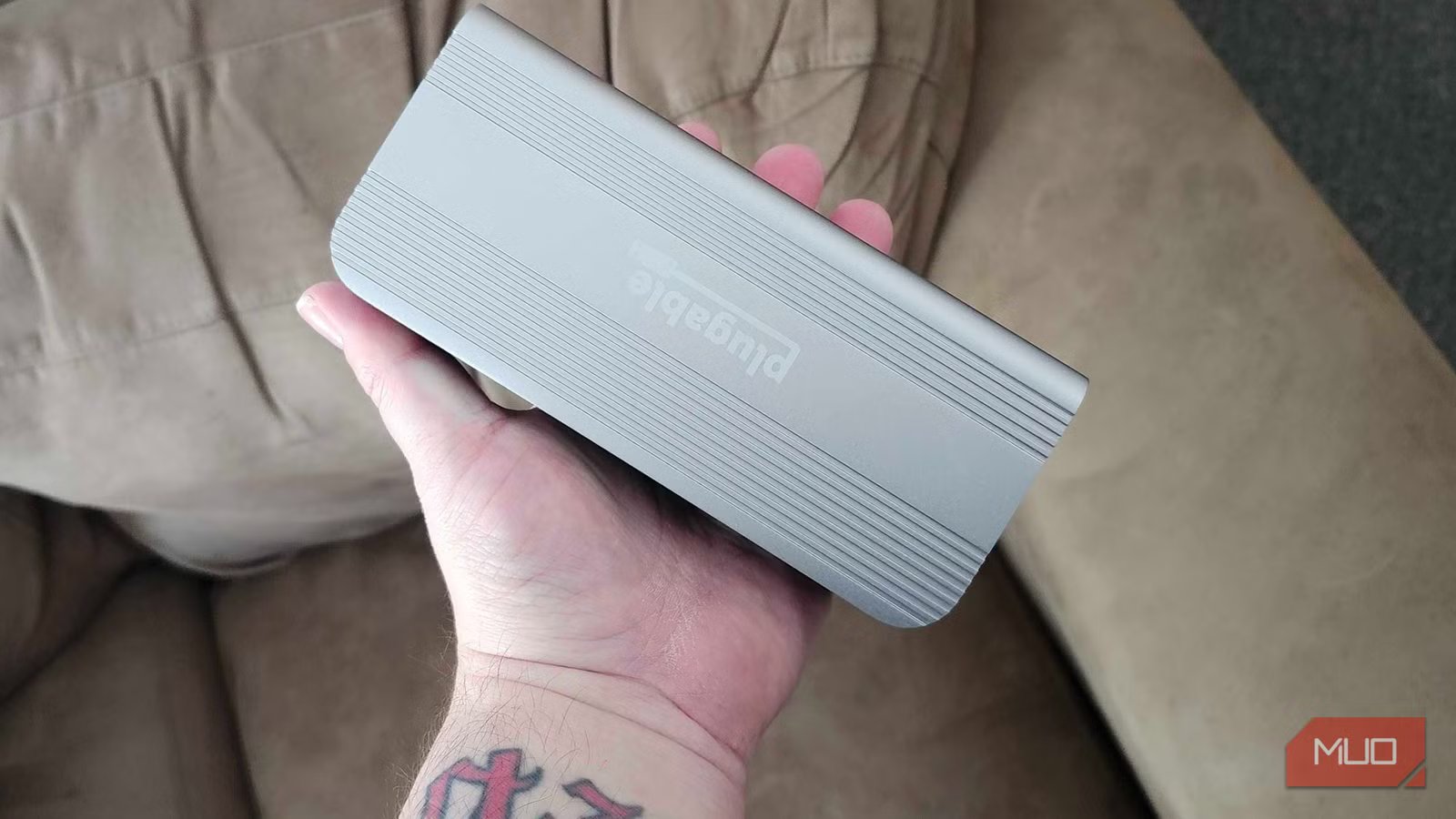
If there’s one thing I never thought I’d need to plug into my wall, it was my USB hub. My main desktop has a standard, USB-powered hub attached to it. I’ve got my headphone dongle, my wireless mouse dock connected here, and a few other odds and ends. But on my laptop? I’ve got something that I never would have imagined having before this point — a USB hub that is plugged into my wall.
Why does it have to do this, though? Well, it’s because it delivers power to anything and everything that is plugged into it, keeping things like my wireless mouse charger running even when my PC is off, and allows me the ability to plug in external monitors and other devices with excellent pass-through capabilities. It may be overkill for my desktop, but my laptop has never been better.
Why go for a docking station over a USB hub?
There are a bevvy of reasons why these are better for laptops
There are a few reasons right off the bat that I went for a docking station over a typical USB hub for my laptop. After investing a ton of money in a good gaming laptop, I wanted to make sure that I was able to take full advantage of it without bogging it down. A docking station lets me take advantage of things like power delivery, multi-monitor support, and even a proper Ethernet plug to ensure my network is always performing at its best.
Wi-Fi is good enough for most things, but when I’ve got the chance to use an Ethernet port, I’ll always choose to go that route. If I want to make the most out of this laptop, having it hardwired is one of the best ways I can make that happen.
Related
These USB-C accessories make working from coffee shops actually viable
Improve your productivity and make life easier with these must-have USB-C accessories for remote work.
Having A/C power makes everything run smoothly
I have a habit of plugging in far too many different things at once
Credit: Brady Snyder / MakeUseOf
One of my biggest faults is that I like to plug in far too many things to my PC at once. A laptop, on the other hand, only has a handful of dedicated USB ports that I use to my advantage. Seeing as a docking station typically has its own A/C adapter, I can plug in as many things as I would like, without running into issues with my battery draining or random device disconnections.
Looking at my docking station right now, I currently have headphones, a stand-alone microphone, a controller, a keyboard, and mouse, and a few other odds and ends plugged into it. If I were using a standard USB hub with my laptop, I would never be able to have this much stuff plugged in without running into a few issues here and there.
Multi-monitor support is a must
My desktop is dual-monitor, so why shouldn’t my laptop be?
Credit: Shaun Cichacki/MUO
While my laptop is primarily set up for gaming, and it has an incredibly nice screen, I always like to be prepared in case of an emergency. And by emergency, I mean if I need to log in and get some work done. With a docking station instead of a USB hub, I can connect an additional monitor to my laptop and get my preferred experience.
Some laptops do have an HDMI-out on them, but by using a docking station, I can stick with DisplayPort. Seeing as DisplayPort is my preferred option to connect to a monitor, I can also take advantage of its enhanced refresh rate and utilize features like G-Sync. If I ever decide to retire my desktop in the future, I know that I’ll at least be able to get the same experience with a docking station.
Docking stations are overkill on a desktop
This is where the good-old USB hub still comes in clutch
Now, if you’re eager to jump onto the docking station train, and you’ve got a desktop, I’ll just say this — save your money. You can absolutely use a docking station on a desktop to bring things like your display connections closer to you so you can adjust them without needing to go behind your tower. But it seems slightly pointless, unless you’re constantly swapping between different display types. Some even come with extra options like HDMI or Ethernet, making them function nearly the same without the extra cost.
USB Hubs are going to be king when it comes to a desktop PC, as they’ll increase the number of ports you have without needing any extra connections. My Cooler Master PC tower has plenty of ports, but much like my laptop, I’ve plugged in far too many things. It also doesn’t have any native Type-C connections, so I’ve got a standard USB hub connected to attach things like 2.4Ghz dongles that are normally Type-C to my PC. That, and they’re much, much cheaper than a docking station can typically cost, making it a much more cost-effective option. I love a docking station with my laptop.
I’ll never go back to a typical USB hub on there again
While I’ve used plenty of laptops in my life, or spent far too many hours converting something like a Chromebook into a Linux-powered machine, I had always used a USB hub with them. But after hooking up my ASUS Strix SCAR to a docking station, I can’t see how I would ever go back to just a typical hub like I had in the past.
The ability to pass power through the docking station, along with the additional USB ports and multi-monitor capabilities, makes it one of the most versatile additions to my setup that I’ve ever had. As long as you’ve got the proper connections on your laptop, and you want to make it into the desktop-destroyer of your dreams, a docking station may be your best bet to make that happen.
Brand
Plugable
Connection
Thunderbolt 5
Ports
USB/Thunderbolt/Ethernet/3.5mm Audio
USB-C Power Delivery
Yes
