

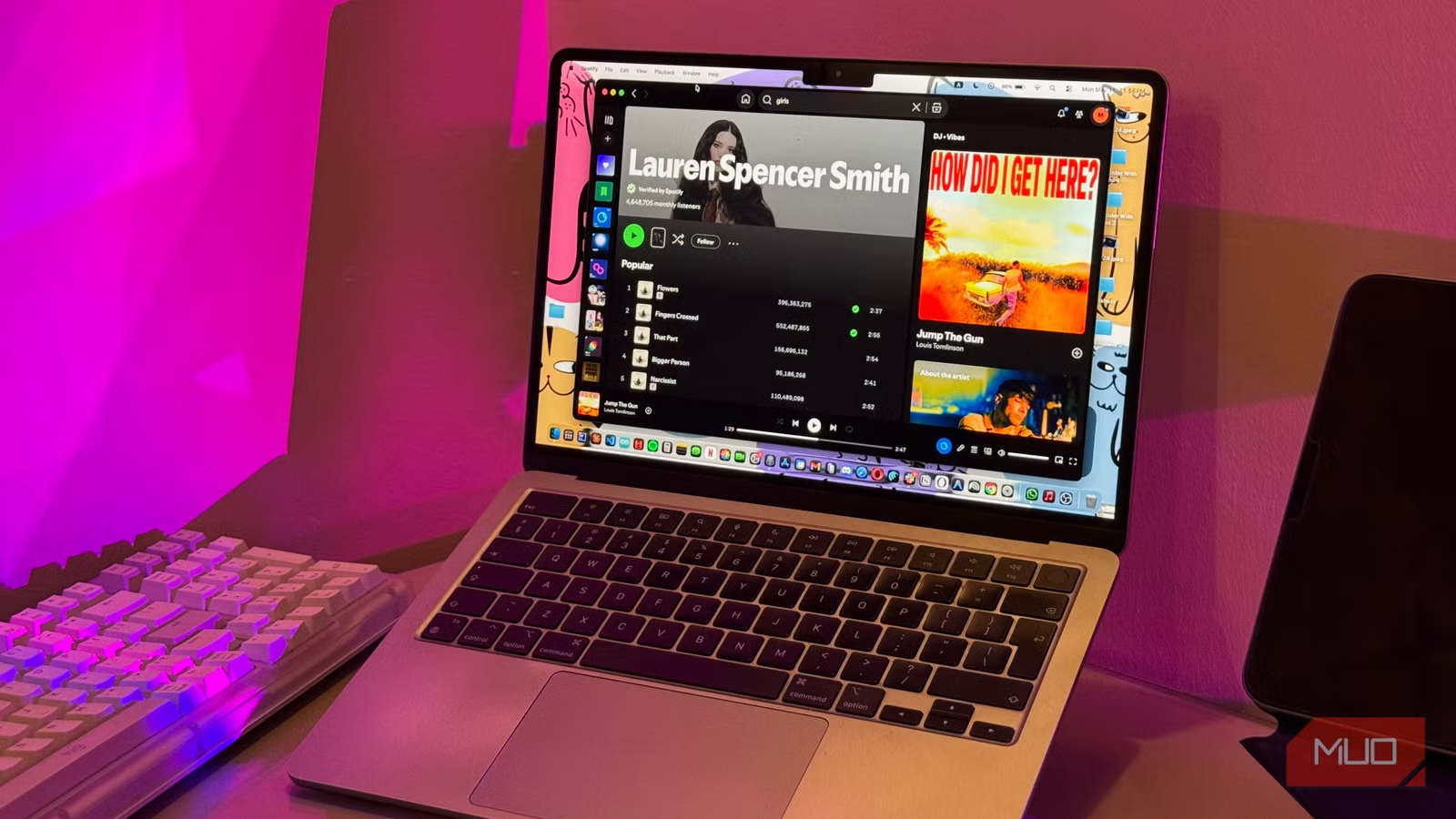
For the longest time, my desk was nothing but a slab of wood, and I’d just need there hour after hour staring at my laptop. Other than a coffee mug, a coaster to hold said coffee mug, and a cable mess, my desk was depressingly bare. While my desk now has a lot more personality thanks to a few accessories, the one that made the biggest difference to the way I work is one that sticks to my laptop. And at just $24, I can’t believe I went so long without one.
The MOFT AirFlow changed my mind about laptop stands
I owe laptop stands an apology
Before I get into the laptop stand I’m recommending, let me explain why I avoided laptop stands for so long. Every one I tried was either a clunky aluminum or wood wedge that ate up half my desk, or a flimsy folding thing that wobbled the moment I started typing.
Moft is a brand that makes thin and foldable accessories that attach directly to your devices and sort of disappear when you’re not using them. Their accessories have an origami-like design that folds flat against your device when not in use, then unfolds into a sturdy stand, mount, or wallet when you need it.
When it comes to laptop stands, Moft sells a bunch of different variants (non-adhesive and adhesive both), but the one I’ve been daily-driving lately is the Airflow Stand. This is an adhesive laptop stand, which means it sticks directly to the bottom of your laptop and stays there permanently.
The MOFT Airflow is the first laptop stand I’ve used that solves both the problems I described above. It weighs just 2.3 oz (65g), meaning the weight of it is practicably unnoticeable. I’ve been using it for weeks and I still can’t feel a difference when I pick my laptop up. When it’s folded flat, it’s barely thicker than barely thicker than a sheet of cardboard. I can slide it into my sleeve with absolutely no problem at all, and I genuinely forget it’s on the laptop until I flip it open. Even when I’m using my laptop without propping it up, the stand sits flush against the bottom and doesn’t wobble, rock, or get in the way at all. My laptop still sits flat on the desk like it always has.
The adhesive is apparently residue-free and won’t damage your laptop
Not bulky, not flimsy, not annoying
I was a little nervous about sticking something to a $2,000 machine, but Moft claims that the adhesive is residue-free and designed to be removed cleanly if you ever change your mind. Now, I’ve always been very protective of my MacBook. I’ve never had the heart to plaster on even stickers the way you see on every other laptop at a coffee shop. I’ve never used a screen protector, a webcam cover, a skin, or even a case. So you can imagine that voluntarily sticking something to the bottom of it wasn’t a decision I made lightly.
Related
If you spot this port on a cheap used laptop, grab it before someone else does
I bought a cheap used laptop for server duty, then one port made the whole deal feel ridiculous.
While I frankly can’t speak to the long-term removal experience yet, since I have no plans to take it off anytime soon, the adhesive has more than earned my trust in the short term. It’s survived weeks of daily handling, multiple trips in and out of my bag, and not once has the stand shifted or peeled at the edges. That said, if you’re more cautious about your laptop than I am, or you swap between multiple devices regularly, Moft also sells non-adhesive laptop stands. I’ve personally grown used to the ease of not needing to pull out a separate stand every time I sit down to work.
The AirFlow gives you two viewing angles to choose from
My back (and wrists) thank me
Unlike a lot of laptop stands that lock you into a single position, the Moft Airflow laptop stand gives you two height options to switch between depending on what you’re doing. The lower setting tilts your laptop at a gentler 15 degrees and lifts it about 2 inches off the desk. I find this ideal for when I’m typing for hours and hours (i.e. writing an article). The higher setting bumps the angle up to 25 degrees and raises the laptop closer to 3 inches. This angle brings the screen much closer to eye level, and it’s ideal for video calls and essentially anything that requires more eyes-on-screen viewing.
While I prefer using my mechanical keyboard to type when I’m working at my desk, I spend a good chunk of time working from my college’s library and café. Obviously, I can’t exactly toss a full-sized mechanical keyboard into my backpack and lug it around campus. Ultimately, I’m relying entirely on my Mac’s built-in keyboard for those longer writing sessions outside my room. The 15-degree tilt makes that a far more comfortable experience than typing on a totally flat laptop.
I no longer have to bend my neck down to see the screen, and my wrists aren’t forced into that awkward flat angle that always left them aching after a long session.
I can’t recommend the MOFT AirFlow laptop stand enough
All of the above was to say, if there’s one laptop accessory you absolutely need to get your hands on, it’s the Moft Airflow Stand. It’s not crazy expensive, it’s invisible when you don’t need it, and it quietly fixes a problem you didn’t realize was wearing you down.
