

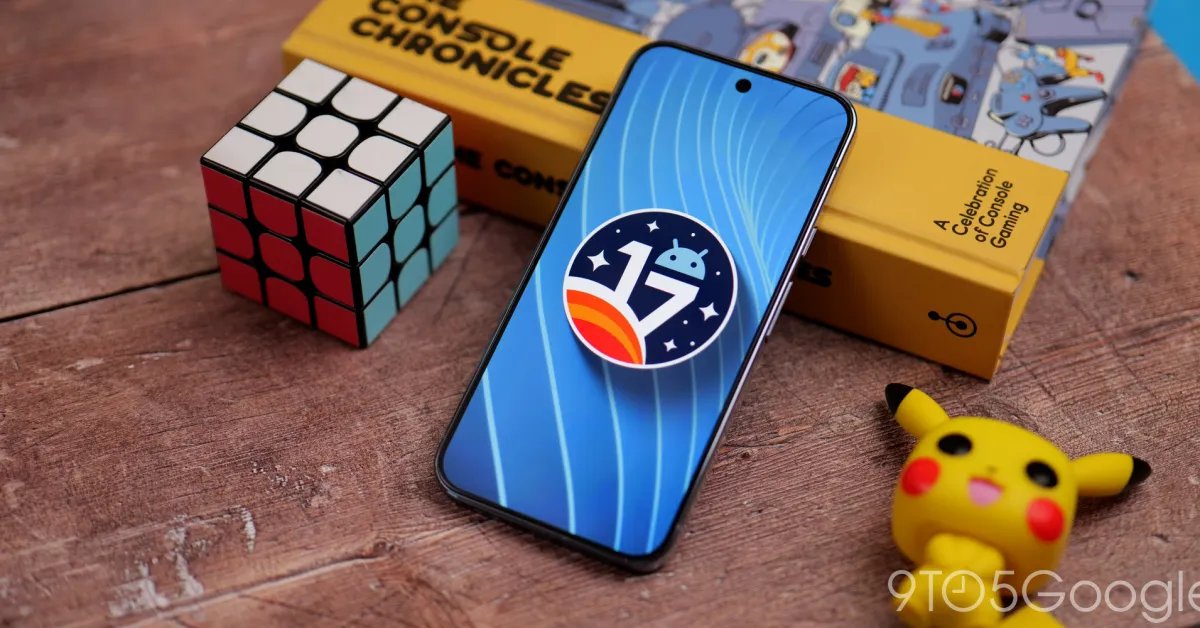
Less than two weeks after the inaugural release, Android 17 Beta 2 is already rolling out to Pixel devices.
Google is operating on an accelerated timeline to already be on Beta 2.
User Experience & System UI
- Bubbles: Users can now bubble any app by long-pressing launcher icons. On large screens, a new bubble bar in the taskbar manages organized and anchored bubbles. Apps should follow multi-window guidelines.
- EyeDropper API: A new system API allows apps to capture pixel colors from anywhere on the display without requiring screen capture permissions.
- Contacts Picker: The ACTION_PICK_CONTACTS intent provides a system-level picker. It grants temporary, session-based access to specific fields, reducing the need for full READ_CONTACTS permissions.
- Touchpad Pointer Capture: By default, captured touchpads now behave like mice, reporting relative movement and gestures instead of raw finger coordinates. Legacy absolute mode remains available via POINTER_CAPTURE_MODE_ABSOLUTE.
- Interactive Chooser: Apps can use getInitialRestingBounds on a ChooserSession to identify the final UI position of the Chooser for better layout adjustments.
Connectivity & Cross-Device
- Cross-device Handoff: The new Handoff API enables state resumption across devices (e.g., phone to tablet) via CompanionDeviceManager.
- Advanced Ranging:
- UWB DL-TDOA: Supports FiRA 4.0 for privacy-preserving indoor navigation.
- Proximity Detection: Implements WiFi Alliance specs for improved WiFi-based ranging.
- Data Plan Enhancements: Apps can query carrier-allocated downlink/uplink max rates for streaming using getStreamingAppMaxDownlinkKbps and getStreamingAppMaxUplinkKbps.
Core Functionality, Privacy & Performance
- Local Network Access: Android 17 introduces the ACCESS_LOCAL_NETWORK permission (part of the NEARBY_DEVICES group) to protect LAN communication.
- Time Zone Broadcast: A new intent, ACTION_TIMEZONE_OFFSET_CHANGED, triggers specifically on offset changes like DST transitions.
- NPU Management: Apps targeting Android 17 must declare the FEATURE_NEURAL_PROCESSING_UNIT hardware feature to directly access the NPU.
- ICU 78: Updated internationalization libraries support Unicode 17.
- SMS OTP Protection: To prevent hijacking, Android 17 delays programmatic access to OTP messages by three hours for most apps. Developers should transition to SMS Retriever or SMS User Consent APIs.
Issues fixed in Beta 2
- A platform stability regression in Android 16 that caused active apps to unexpectedly restart or refresh, preventing lost user progress and intermittent UI flickering during app usage. (Issue #440017096)
- A UI layout regression in the Recent Apps screen for users with German-language settings. (Issue #476830557, Issue #486511401)
- Improved video streaming reliability by enabling developers to confirm temporal layering support via getOutputFormat after encoder configuration to address missing frame dependency metadata. (Issue #306222291)
- A bug where the Clock screensaver omitted the leading zero in 24-hour format during low-light mode. (Issue #444255729)
- An issue where closing a folder blocked immediate subsequent interactions like opening another folder or switching screens. (Issue #470541347, Issue #471533397, Issue #477848604)
- A system crash and spontaneous reboot issue that interrupted device usage. (Issue #413562426)
- A critical system instability causing device freezes and reboots during app transitions or service calls. (Issue #419070024, Issue #428572458, Issue #430393241, Issue #424912278, Issue #431440391, Issue #426346396)
- A System UI deadlock that caused lock screen unresponsiveness and display hangs after disconnecting from Android Auto. (Issue #457527675)
- A UI typo in the system location permission disclosure dialog where the Back button was incorrectly displayed as ‘Bac’. (Issue #460242870, Issue #477245738)
- An issue where Live Translate and Rules were incorrectly categorized in the System menu. (Issue #476754995)
- A critical System UI crash and subsequent device instability triggered by repeated navigation into Display and Touch settings. (Issue #474486679)
- A persistent crash that prevented users from opening Wallpaper & style settings from the home screen. (Issue #478520173)
- A UI layout issue in the Wireless Debugging QR scanner where the back arrow overlapped the QR icon. (Issue #474769647)
- An issue in the Sound settings where ringtone previews failed to play upon selection. (Issue #355086959, Issue #375840924, Issue #381007949, Issue #381077928, Issue #419301121, Issue #452646483, Issue #468837747)
- A bug that caused redundant notifications to appear following a system update by improving the notification service logic to correctly clear stale alerts during the post-update initialization process. (Issue #454647834)
- A GPU shader compiler optimization bug on Pixel 6 Pro that caused specific GLSL mathematical expressions to evaluate incorrectly as constants, resulting in visual rendering artifacts in apps. (Issue #473226715)
You can leave feedback with the Android Beta Feedback app on Pixel devices. Access it from the drawer or Quick Settings to file bugs in the Google issue tracker. There’s also the Android Beta community on Reddit.
- CP21.260206.011
- CP21.260206.011.A1 (Pixel 6 Pro, Pixel 6, Pixel 6a, Pixel 7 Pro, Pixel 7)
Android 17 Beta 2 system images are available for the Pixel 6, Pixel 6 Pro, Pixel 6a, Pixel 7, Pixel 7 Pro, Pixel 7a, Pixel Tablet, Pixel Fold, Pixel 8, Pixel 8 Pro, Pixel 8a, Pixel 9, Pixel 9 Pro, Pixel 9 Pro XL, Pixel 9 Pro Fold, Pixel 9a, Pixel 10, Pixel 10 Pro, Pixel 10 Pro XL, and Pixel 10 Pro Fold, as well as the Android Emulator.
You can easily join via the Android Beta Program to get an on-device OTA.
FTC: We use income earning auto affiliate links. More.
