

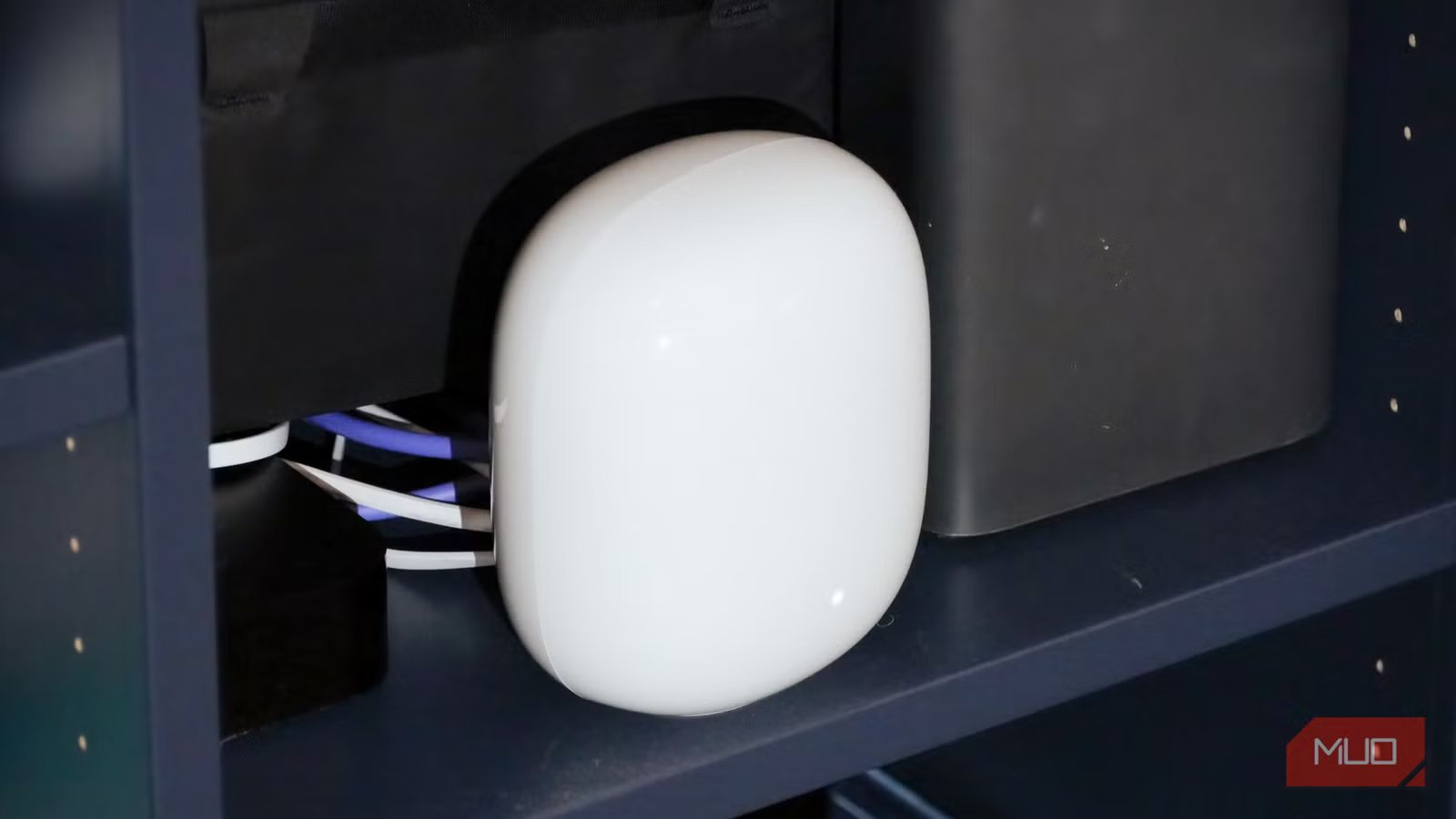
I don’t have fiber-optic internet, or even multi-Gigabit hybrid fiber-coaxial service, available in my area. I only get Gigabit internet speeds, and I need every bit of that speed and bandwidth to power my smart home and work-from-home setups. That means I try absolutely everything to improve my wireless home network speeds. I’ve previously covered tricks and tips to improve my Wi-Fi 6E router’s performance, like using Windows 11’s preferred band settings or the Nest Wi-Fi Pro’s preferred activity settings. There’s one more thing to consider when making the most of your Wi-Fi 6E network — your security settings.
Compared to Wi-Fi 6, the newer Wi-Fi 6E and Wi-Fi 7 standards have a major advantage. That’s the 6GHz networking band, which is separate and less congested than the 2.4GHz or 5GHz bands. There’s a problem, though. Wi-Fi 6E and Wi-Fi 7 bundle 6GHz networking with a little-known security setting most people never touch. If you don’t have this toggle enabled, you’ll be missing out on 6GHz networking, and the speed advantages that come with it.
Related
I thought my Wi-Fi was secure until I checked my router’s settings
Your router settings can make or break its security.
The hidden Wi-Fi 6E requirement
The biggest Wi-Fi 6E upgrade won’t work without this setting
Credit: Brady Snyder / Android Central
Upgrading your router only makes sense in a few situations. To actually get the benefit of new Wi-Fi specifications, like Wi-Fi 6E or Wi-Fi 7, you need an ecosystem of devices that support the standards. If you have a Wi-Fi 6E router and tons of Wi-Fi 6 devices, you won’t be able to use the 6GHz band with those devices. Similarly, it’s important to check the speed of your current router — if you have a Gigabit network, and you’re seeing Gigabit speeds over Wi-Fi already, there may be little reason to buy into newer hardware.
Some people check their speed and device compatibility before switching to a Wi-Fi 6E or Wi-Fi 7 router, but miss the crucial step of checking their network security settings. Personal wireless networks use Wi-Fi Protected Access (WPA) protocols for security, which leverages AES (Advanced Encryption Standard) encryption. Wi-Fi Protected Access 2 (WPA2) is the most common WPA security protocol in use today, but we’re amid the transition to Wi-Fi Protected Access 3 (WPA3). It’s possible your home network is already using it.
Crucially, WPA3 security is a requirement for using the 6GHz band available as part of the Wi-Fi 6E and Wi-Fi 7 specifications. If you use WPA2 security instead, only the 2.4GHz and 5GHz bands will be available. In other words, you’ll miss out on the “fast lane” for your Wi-Fi network introduced with Wi-Fi 6E. Since fewer devices support the 6GHz band, it is typically faster and less congested than the 2.4GHz or 5GHz bands. This is a key benefit of modern wireless networking technology, but those that don’t use WPA3 won’t get it.
Why the 6GHz band needs WPA3
The coupling is meant to incentivize WPA3 adoption
The WPA3 security protocol was certified in 2018, and it became mandatory for new Wi-Fi certifications in 2020. There’s no technical reason that the 6GHz networking band requires WPA3 security. However, WPA3 and the 6GHz band have been effectively bundled to help incentivize adoption. If you want the enhanced speeds and perks that come with Wi-Fi 6E and Wi-Fi 7’s 6GHz band, you need WPA3. This pairing pushes people to make the jump to WPA3, which is a more secure wireless networking protocol.
There are important upgrades that come with using WPA3 as your wireless security protocol. For one, WPA3 offers 192-bit encryption that complies with the Commercial National Security Algorithm (CNSA) suite. The older WPA2 security protocol only supports 128-bit encryption, which is easier to crack. WPA3 introduces other security tools, like Simultaneous Authentication of Equals (SAE), a feature that generates unique encryption keys for each session to avoid offline dictionary attacks. This replaces the Pre-Shared Key (PSK) tool, which is more vulnerable to password guessing and brute-force attacks.
These are all welcomed upgrades, but they don’t have any specific relation to the 6GHz band in particular. The real issue lies with the outdated WPA2 security used by most home networks. WPA2 is over two decades old, and will only become less secure as cryptanalysis methods become more advanced. Everyone should be thinking about the upgrade to WPA3, and by requiring WPA3 for 6GHz band access, the transition speed should be much quicker.
Should you use WPA3 for your home network?
Yes, generally speaking, but beware of connection issues
The exact steps for configuring WPA3 security on your router will depend on the model you own. In general, you should access your router’s admin panel or companion app and look for a page called Wireless Security (or similar). Then, make sure WPA3-Personal is configured as your network’s security protocol. Alternatively, you can try enabling WPA2/WPA3 Transition Mode. This security mode tries to enable WPA3 connections for newer devices and WPA2 connections for older ones, but some users report connectivity issues with this router setting active.
The question is — should you use WPA3 for your home network? The answer is most likely yes. The WPA3 security protocol is backwards compatible with WPA2 in the 2.4GHz and 5GHz bands, so your older WPA2 devices should connect to your WPA3 network just fine. It’s worth giving WPA3 a test run with your own devices to identify whether any network-connected products experience connection issues using the newer security protocol. If they don’t, continue using WPA3. If they do, consider switching back to WPA2 or upgrading your devices.
Depending on the devices you own, this could be a tricky decision. Use WPA3 and get the most of Wi-Fi 6E and Wi-Fi 7 on your newer devices, and risk connection issues on your older ones. Or, use WPA2 for the best compatibility, but lose access to the 6GHz band that makes Wi-Fi 6E and Wi-Fi 7 worthwhile. I flipped on WPA3 on my Wi-Fi 6E router and haven’t looked back. I get near-Gigabit wireless speeds using the 6GHz band and haven’t noticed any connection issues along the way.
Coverage
Up to 2,200 square feet
Wi-Fi Protocols
Wi-Fi 6E – 2.4 GHz, 5 GHz, 6 GHz bands
Google’s reliable mesh Wi-Fi system helps ensure coverage throughout your whole home. The system uses Wi-Fi 6E for speeds up to 5.4 Gbps, and the 6 GHz band helps reduce interference for better performance.
