

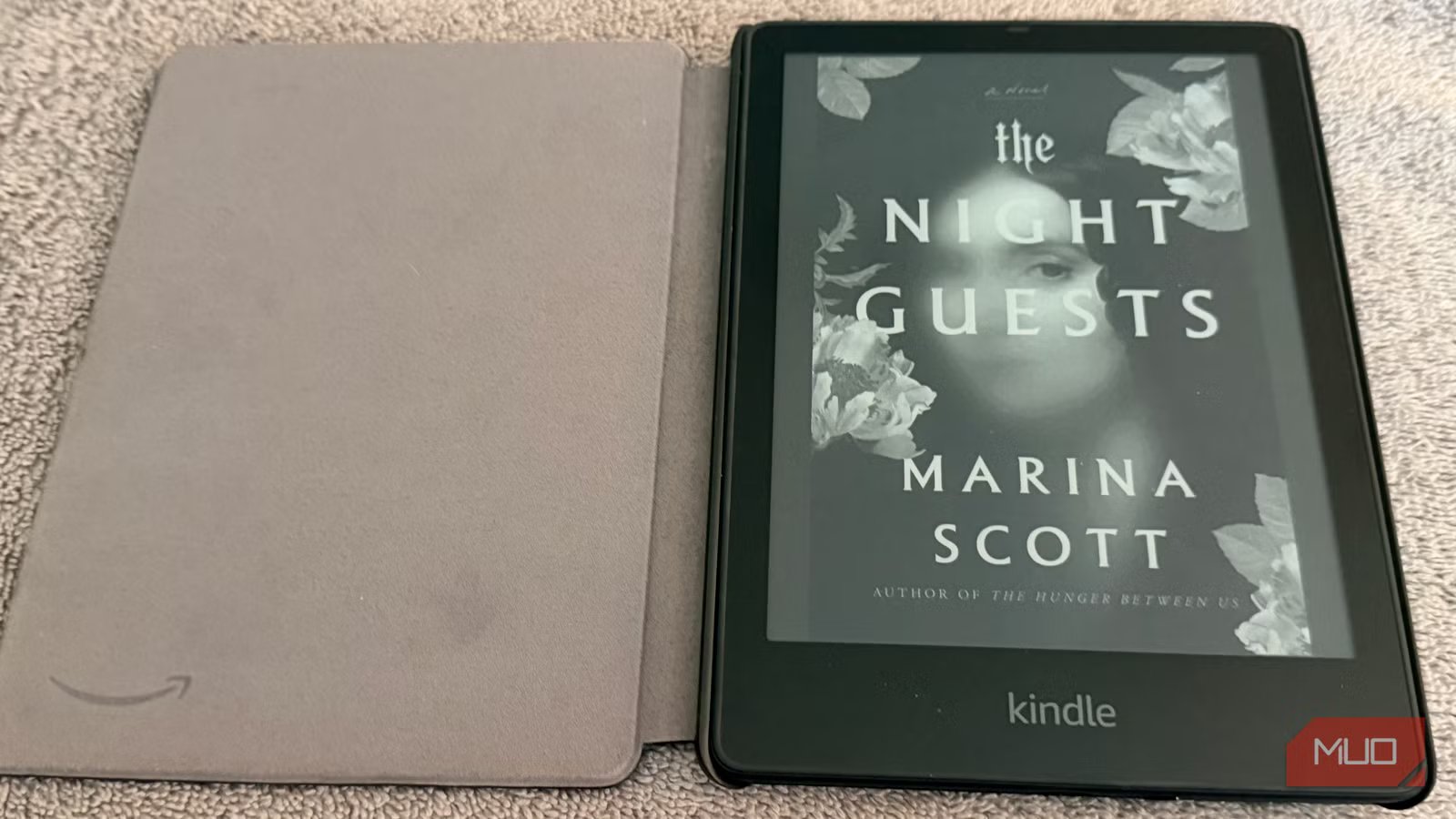
I have bought hundreds of books digitally over the years, spreading them across Kindle, Apple Books, and Google Play without much thought. Then I read about a publisher dispute that wiped purchased titles from users’ Kindle libraries without warning. I began asking a question I should have asked sooner: if that happened to me, what could I do?
Buying a digital book from a library doesn’t mean you own it. Instead, it means you buy a license, not the book itself. Platforms can remove books — or shut down — and take your library with them.
It hadn’t happened to me, but it was enough to push me to create a backup plan independent of any company’s goodwill. I wanted a home server that stored my books permanently, looked good, and synced with my phone, tablet, and Kindle without me having to think about it. I wanted all that for around $30.
Here’s what I ended up with, and how it’s held up.
Related
Amazon can delete your entire Kindle library, and there’s only one thing you can do about it
DRM is a preservation nightmare, but you can fight back against it.
The best $30 hardware for a home eBook server
Dell Wyse 3040: The refurbished thin client worth buying
For years, the Raspberry Pi was the obvious choice for projects like this, but its cost has risen in recent years, and that’s before adding storage or accessories. These days, there are cheaper and more flexible alternatives.
I recommend the refurbished thin-client market on eBay. Companies constantly cycle out old office hardware, flooding the market with small, fanless PCs built to run all day in an office. The Dell Wyse 3040 is the one I keep recommending. I picked one up for $25. It runs on a quad-core Intel Atom processor, draws about 4 watts at idle, and, because it uses the x86 architecture, I haven’t run into compatibility problems. It sits on my shelf, and I genuinely forget it is on.
If you want something brand-new instead of refurbished, the Libre Computer “Le Potato” costs about $60 on Amazon and runs standard Linux distributions without drama. Either way, plug a spare USB 3.0 drive into your device. The onboard storage is enough for the operating system, but your books should live on external storage so your library can grow without affecting the core system.
The software stack that makes this work
Calibre-Web, Readarr, and Tailscale
Credit: Calibre
Once you have hardware, you need software worth using. I made the mistake in an earlier attempt to just install the desktop version of Caliber. It’s effective for managing and editing eBooks, but the interface feels dated. Browsing your library shouldn’t feel like scrolling through a spreadsheet.
The better approach is building a containerized setup using Docker. “Containerized” sounds like enterprise jargon, but it’s actually perfect for a setup like this. Each application runs in its own isolated environment, which makes the server much harder to break. The tools I use are Caliber-Web, Readarr, and Tailscale.
Caliber-Web is the part most people miss. It takes the same Caliber library format and presents it through a clean, gallery-style web interface that looks good. You connect it to the Google Books API during setup, and it automatically pulls in high-res covers, publication dates, and series metadata. Browsing your library goes from looking at a folder of filenames to something that feels like a modern app.
Readarr organizes your library. It tracks your authors, monitors new releases, and ensures each addition is properly categorized. Please note that Readarr has been retired by its developers. However, third-party metadata mirrors still exist.
Tailscale is what makes the whole setup work outside your home. It is a VPN that requires almost no configuration and lets you securely access your home server from anywhere, without opening ports on your router or changing firewall settings. From your phone at an airport, it feels like the server is local.
How to set up your self-hosted eBook server with Docker
Using OPDS to browse your library on iPhone and Android
Credit: Bryan M. Wolfe / MakeUseOf
If you’re still sourcing hardware, try setting it up in a Virtual Machine on your main computer first; The process is the same, so you won’t be starting from scratch when your device arrives.
Start by installing Ubuntu Server, the version without a desktop environment. You want the machine focused on serving books, not rendering a GUI you’ll never use. Once you have SSH access, install Docker from the official repository, then write a Docker Compose file that configures everything.
After starting your containers, Caliber-Web is available on your local network at port 8083. The first login guides you through a brief setup in which you point the app to your book files and connect your metadata source. From there, your library updates automatically. I completed this process in about 90 minutes the first time. The only troubleshooting needed was fixing folder permissions for my USB drive.
Getting books from the server to a reading device is where the setup earns its keep. Most eBook apps support OPDS, a standard catalog format that lets you browse and download content directly from a server. On iPhone and iPad, KyBook 3 and Marvin work well with Caliber-Web. On Android, Moon+ Reader handles it cleanly. You add your Caliber-Web URL once, and your entire library appears as a browsable catalog.
The Kindle integration impressed me most when I first set it up. Caliber-Web has a built-in email system. You configure your SMTP settings and add your Kindle’s email address. Every book in your library gets a “Send to Kindle” button. One click and the book arrives on your Kindle through Amazon’s delivery service.
With Tailscale installed on both the server and your devices, everything works wherever you are. I sent a book to my Kindle from a hotel lobby in New York last month. It took about 15 seconds.
If you read comics, graphic novels, fantasy books, or any image-heavy format, standard eBook readers struggle with those files. Adding Kavita to your Docker Compose setup fixes that. Kavita is designed specifically for CBZ and CBR formats, handles high-resolution pages quickly, and includes a vertical scrolling mode that works well for webtoons on a phone. It runs comfortably alongside Caliber-Web on the same hardware, with no noticeable performance hit.
What a $30 self-hosted eBook library actually delivers
This costs about the same as a couple of paperbacks. And you end up with a library you actually control. No publisher disputes or service shutdowns affect your files. Access them anytime on any device you choose.
My server has run for months without downtime. My library has added forty books, all automatically organized. With a free weekend and a spare hard drive, this was one of the most practical projects I’ve taken on.
